Podcast audio is the hardest kind of recording to work with after the fact. A video can be scrubbed: you drag the playhead, watch the thumbnails, and land near the moment you half-remember. An hour of two people talking offers nothing to look at, so finding the sentence you want means listening for it again.
A podcast transcript solves that, and it takes about a minute to produce. What you do with it afterwards is where most of the value is, and it is the part most guides skip.
What a podcast transcript actually is
A podcast transcript is the spoken content of an episode written out as text. Automatic transcription produces it in segments, each carrying a start and an end time, which is what separates it from a summary or a set of notes: it is the whole episode, in order, positioned against the audio.
Those timings matter more than they first appear. They are what let you jump from a line of text back to the moment it was said, and they are what makes the same file usable as captions, as chapter markers, and as a feed transcript.
Get a shareable link to the episode
Every podcast player exposes a share link. In Spotify, open the episode, use the three-dot menu, and copy the episode link — it will look like https://open.spotify.com/episode/…. That link is all you need to transcribe a podcast episode; there is no file to download and nothing to install.
Two things to check first
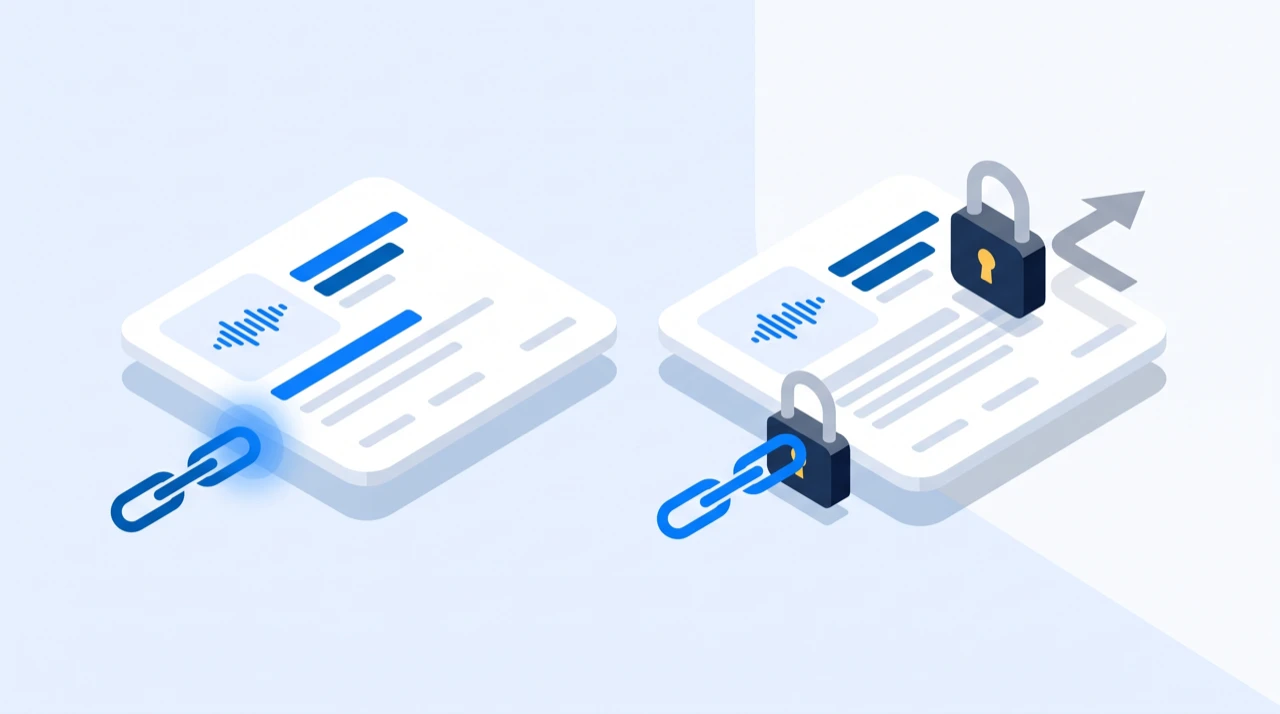
The episode has to be publicly accessible. Subscriber-only and unlisted episodes sit behind a login, and a tool that opens the link as an anonymous visitor cannot reach them. If you are unsure, paste the link into a private browser window — what you see there is what the tool sees.
You should have the right to process it. Transcribing your own show, or a show you have permission to work with, is straightforward. Transcribing someone else's catalogue to republish it is not.
Run the transcription
Paste the link into the Spotify transcript generator and start the job. The audio is transcribed into timestamped segments you can edit in the browser.
How long this takes depends mostly on episode length. Audio quality matters too — a remote interview recorded on laptop microphones will take the same time to process but produce a rougher first pass than a studio recording.
Credits are charged per audio minute, rounded up, and only when a job completes. A link that cannot be resolved costs nothing, which means a questionable link is worth trying rather than worth agonising over.
Fix the things a machine gets wrong
Automatic transcription is reliably good at ordinary conversational speech and reliably weak at a few specific things.
Where the errors actually are
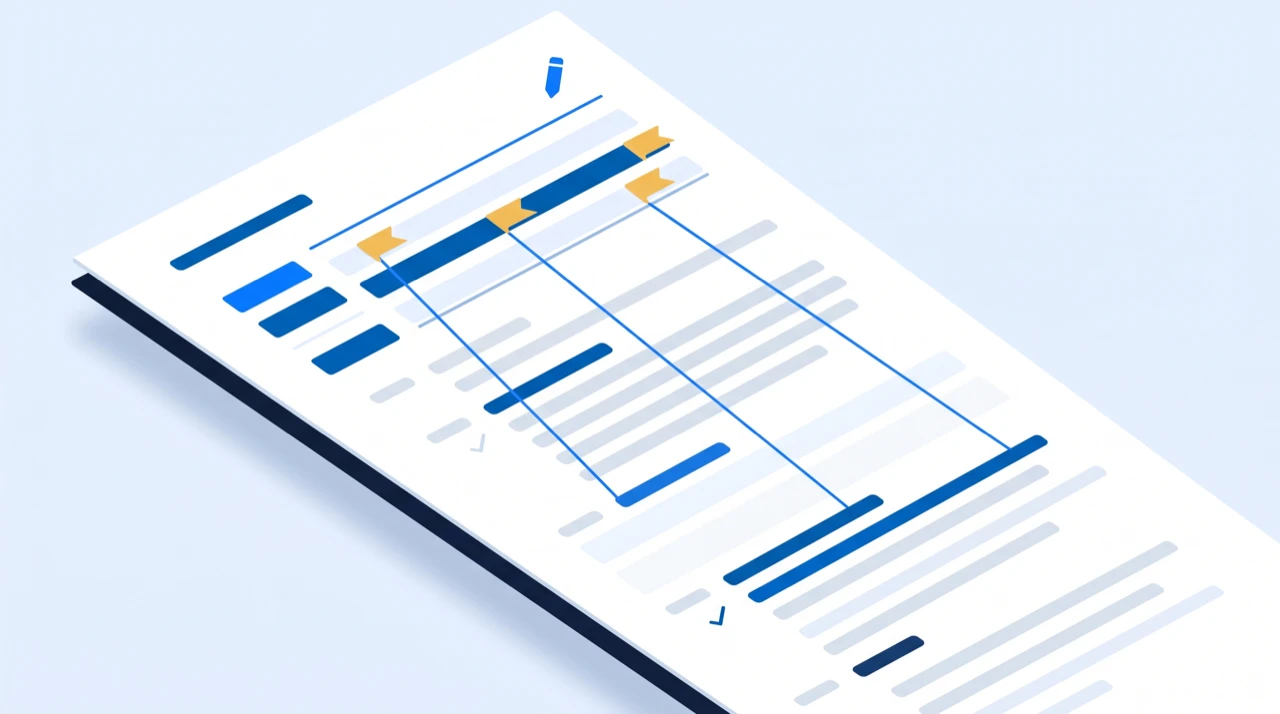
Proper nouns. Names of people, companies and products are where errors cluster, because the model is guessing at sounds it has no context for.
Jargon and acronyms. Domain vocabulary that is common in your field may be rare in the training data.
Crosstalk. When two speakers overlap, one of them usually wins and the other is dropped or merged into nonsense. Panel episodes suffer most.
The first thirty seconds. Levels are often still settling, and it is also the part most listeners actually hear.
How to review efficiently
Read the first few minutes carefully. Recurring names get repeated throughout the episode, so correcting them early tells you what to search for later — a guest's surname appearing forty times is one correction pattern applied forty times, and spotting it in minute two saves you finding it in minute fifty-eight.
If you are publishing quotes, check those specific passages against the audio. An accuracy figure averaged over a whole episode tells you nothing about the one sentence you are about to put in quotation marks. What actually degrades transcription accuracy goes through the conditions in more detail.
Adding speaker labels
The output is continuous timestamped text, not a diarised script, so speaker attribution is something you add. On a two-person interview this is faster than it sounds, because speakers alternate predictably — you are marking the handovers, not every line.
The convention that reads best is a bold name followed by a colon at each change of speaker, and nothing in between:
**Host:** How did you end up rewriting the pipeline twice?

**Guest:** The first version assumed every episode was one file.
For a panel, do it in a second pass after the text is correct. Fixing a name and attributing a line at the same time is how you end up doing both badly.
Choose an export format
Three formats come out of the same podcast transcript. Which you want depends entirely on what happens next:
| What you are doing | Format |
|---|---|
| Show notes, newsletter, blog post | TXT |
| Publishing the transcript on your site | TXT |
| Cutting the episode into video clips | SRT |
| Captions for a platform upload | SRT |
| A player embedded on your own page | WebVTT |
The podcast:transcript RSS tag |
TXT, SRT or WebVTT |
If you are unsure, the differences between the three formats come down to whether anything downstream needs to know when each line was said.
Publish the transcript where it can be found
A transcript sitting in a folder does nothing. There are three places it earns its keep, and they are not mutually exclusive.
On the episode page
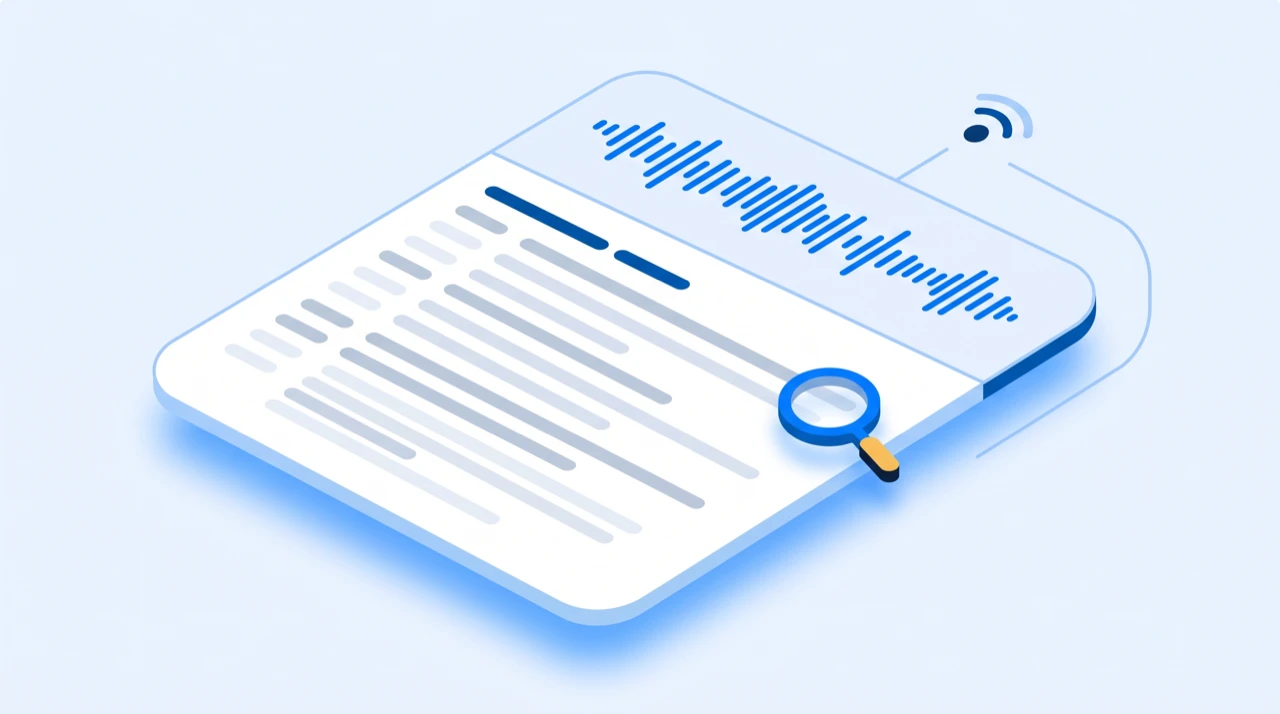
The episode page on your own site is where the transcript does the most for discovery: it is usually the only substantial text on that page, and it is the only version of the episode a search engine can read. Publish the full text, not an excerpt — a truncated transcript behind a "read more" gives up the long-tail phrases that make it worth publishing.
In your RSS feed, with the podcast:transcript tag
The Podcast 2.0 spec added a podcast:transcript tag that points at a transcript file for an episode. Apps that support it display the transcript in-app, so listeners get it without visiting your site at all.
It goes inside each episode's <item>, and it accepts exactly the formats you just exported:
<podcast:transcript
  url="https://example.com/episodes/42/transcript.srt"
  type="application/x-subrip" />
Use text/plain for TXT, application/x-subrip for SRT, and text/vtt for WebVTT. The timed formats are worth preferring here — an app that can follow along with playback needs the timings, and one that cannot will still show the text.
As chapter markers
Chapters are the other thing the timings buy you. Reading the transcript for topic changes is much faster than listening for them, and each change gives you a timestamp you can lift directly.
Most hosts accept chapters as a list of timestamps and titles in the episode description:
00:00 Intro
04:12 Why the first version failed
19:40 Rewriting the ingest pipeline
41:05 What we would do differently
Ten minutes of reading produces a chapter list that makes an hour-long episode navigable, which is a meaningful difference in whether people finish it.
What else the transcript is for
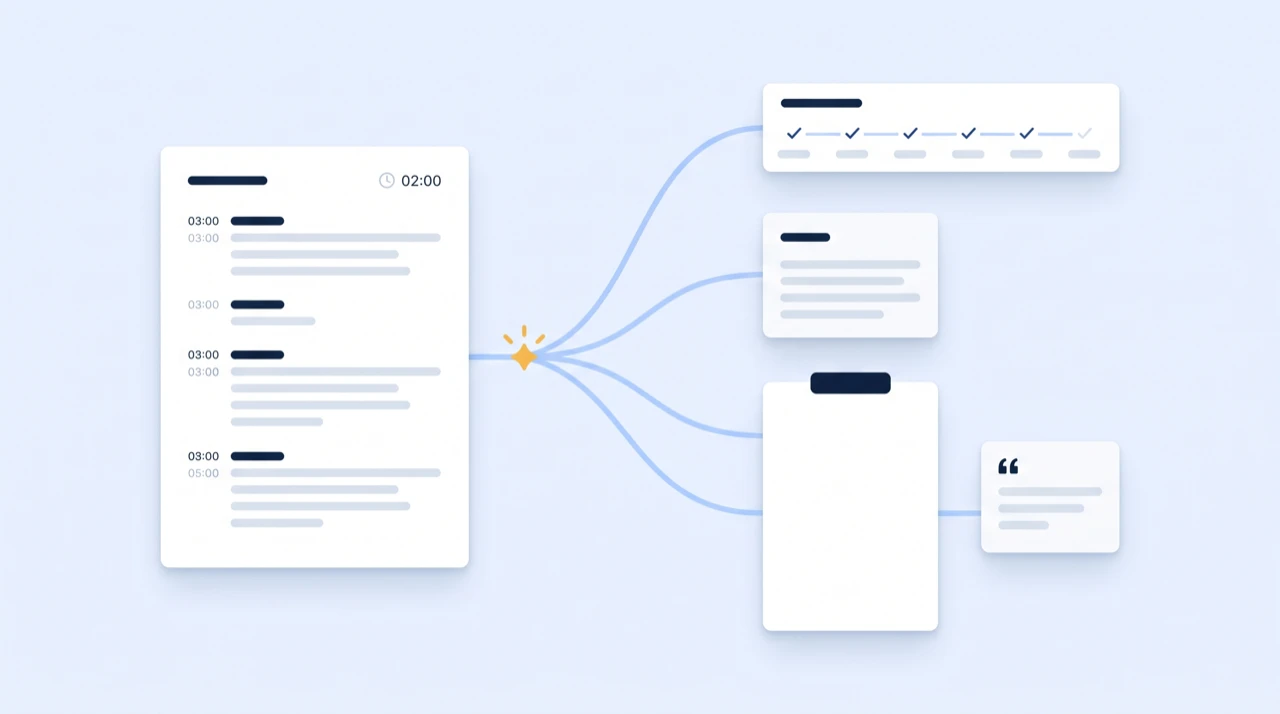
Show notes stop being a chore
The episode summary, the topic list and the "links mentioned" section are all extractable from text in a way they are not from audio.
The archive becomes searchable
Six months later, when you know you talked about something but not which episode, text search finds it in seconds. This compounds — the value of a searchable back catalogue grows with every episode you add to it.
Clips get easier to find
Reading for a good thirty-second passage is faster than listening for one, and the timestamps tell your editor exactly where to cut. Turning one recording into a week of content is the longer version of this idea.
The episode reaches people who will not listen
Some of your audience is deaf or hard of hearing. Some are at work. Some simply read faster than you talk. A published podcast transcript serves all three.
It can be translated
A finished transcript can be translated into another language with the timings preserved, which is what turns one episode into subtitles for an audience that does not share your language.
What this tool does not do
Worth stating plainly, because the alternatives cover different ground:
- No file upload. Transcription starts from a link, not from an audio file on your computer.
- No RSS import. You cannot point it at a feed and transcribe the back catalogue in one go; episodes are done individually.
- Spotify links only. Apple Podcasts URLs, direct
.mp3links and other hosts are not read. If your show is not on Spotify, this is the wrong tool. - No speaker diarisation. Labels are yours to add, as above.
If a link is rejected and you are not sure which of these you have hit, the troubleshooting guide works through it.
A note on music
Track links resolve too, and sung lyrics will often transcribe. Accuracy drops sharply against instrumentation, layered vocals and heavy production, though — spoken-word audio is what this kind of tool is built for. Treat a music transcript as a rough draft rather than a result.
Frequently asked questions
- Does publishing a podcast transcript actually help with SEO?
- Yes, for a specific reason: an audio file contains no text a search engine can read, so an episode page without a transcript is a page about a topic it never states. A published transcript turns an hour of speech into indexable words, and it is usually the only substantial content on an episode page. The effect is largest on long-tail phrases — the specific things a guest said, which nothing else on your site mentions.
- How accurate is AI podcast transcription?
- On clear conversational speech with a close microphone, high enough that reviewing is a read-through rather than a rewrite. Accuracy drops on overlapping speakers, distant microphones, background noise and unfamiliar proper nouns. Expect to correct names and technical terms on every episode, and to check any passage you intend to quote against the audio.
- Can EzScribe transcribe an episode from an RSS feed or an uploaded file?
- No. It reads a public Spotify link — an episode, show or track URL. There is no file upload and no RSS import, so if your episode is not on Spotify this is not the tool for it.
- Does the transcript include speaker labels?
- No. The output is continuous timestamped text rather than a diarised script, so on a multi-guest episode you add "Host:" and "Guest:" yourself while editing. On a two-person interview this takes a few minutes because speakers alternate predictably.
- What is the podcast:transcript RSS tag?
- A Podcast 2.0 tag that points at a transcript file for an episode, so podcast apps can display it without you publishing it anywhere else. It accepts plain text, SRT and WebVTT — the three formats EzScribe exports — and you add one tag per episode item in your feed.
- How much does transcribing an episode cost?
- Credits are charged per audio minute, rounded up, and only when a job completes. A one-hour episode bills as sixty minutes, and a link that fails to resolve is never charged.
Try it on a video of your own
Reading about it only gets you so far. Paste a link you are authorized to transcribe and look at the actual transcript — the words, the timings, and whatever the audio was going to trip on.
88 free credits when you sign up. Credits are pay-as-you-go with no subscription, and a job that fails is not charged.