Transcribes first, translates second
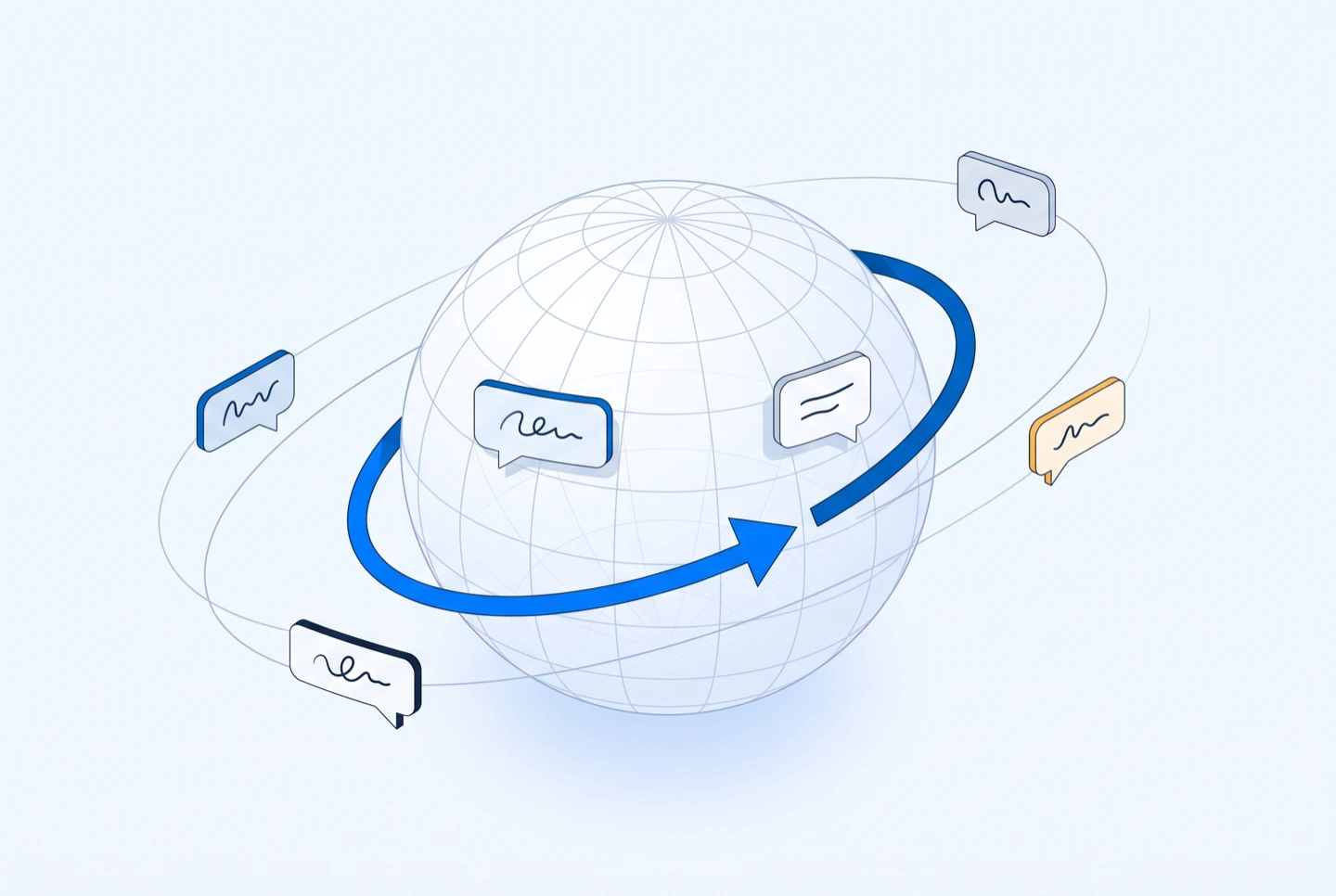
Speech becomes timestamped text, then every line is translated against its own segment. You can read the original and the translation side by side.
Paste a video link, generate a timestamped transcript, and translate it into 100+ languages. Copy the translated text or export TXT, SRT and WebVTT — no downloads, no re-typing.
 Accurate AI Transcription
 100+ Languages
 Saved to Your Account
 Private & Secure
Powered by Whisper
#1 in speech-to-text accuracy
It turns a video link into readable text in the language you need, in one pass — transcription and translation, without a separate tool for each.
The languages listed on this page are the languages in the picker. Nothing is advertised here that the tool cannot produce. (107)
The count on this page is read from the same language list the picker renders, so the two cannot drift apart.
The translated transcript keeps sentence structure instead of substituting words one at a time.
Download the translated text as TXT, or keep the timing and export SRT or WebVTT.
Start from a public video URL, generate the transcript, then translate it line by line and export the version you need.
Copy the share link of a public video you own or are authorized to process. There is no file to upload and no need to download the original media.
EzScribe turns the spoken audio into timestamped segments and detects the source language for you.
Pick a target language, compare the translation against the original line by line, then copy or download TXT, SRT or WebVTT.

One translation, three files. Plain text is the default here, with the timed formats available when the same content also has to run under the video.
The source language is detected from the transcript itself, so you only choose where it is going. Popular languages are listed first and the full set is searchable A to Z.
Read, share and reuse what was said in a language your audience actually reads, without retyping the video by hand.
Turn one interview, talk or webinar into a version an audience in another language can read.
Hand over a timestamped draft instead of raw audio, so quotes and terminology can be checked against the source.
Read the translation next to the original, at the timestamps where each sentence was actually said.
Translated text drops straight into documents, newsletters and summaries without a second round of transcription.
EzScribe reads the audio of a video you are allowed to process. Here is exactly what that covers, and what it does not.
Pick the tool that matches your source: a link from a social platform, a file from your device, or a transcript that needs translating.
Longer write-ups on the parts of this that are worth getting right — how accurate the output really is, which file format you need, and what to do when a link will not resolve.
Paste a video link you own or are authorized to process, and read the whole thing in the language you need.
Translate transcriptVideo links · 100+ languages · TXT, SRT and WebVTT exports
Answers about what you start from, supported languages, timestamps, exports and translation quality.
Paste a public video URL you own or are authorized to process. EzScribe transcribes the audio first, then you pick a target language and the transcript is translated line by line.
No, and file uploads are not supported yet. Start from a video link and the transcript is generated for you before translation.
More than 100. Popular languages appear first and the full list is searchable A to Z in the language menu.
Yes. The transcript's language is detected from the text itself, including Simplified and Traditional Chinese, so you only choose the target language.
Yes. Every line is translated against its own segment, so the translation lines up with exactly the same timecodes as the original.
Yes. With the translated view open, the copy and download buttons return the translated text as TXT, SRT or WebVTT, and the language is added to the file name.
It is a machine translation of a machine transcript, so both steps can introduce errors. Review names, numbers and technical terms before you publish the result.
This page is for readable translated text. Use the subtitle translator when you need timed SRT or WebVTT files for an editing workflow, and the caption translator for captions shown on social posts and web players.