Reels
Paste the share link for a public Reel and get its spoken content back as editable text.
Convert public Instagram Reels and video posts you’re authorized to process into editable, timestamped text. Copy the transcript, export TXT, SRT or WebVTT, or translate it into another language.
 Accurate AI Transcription
 100+ Languages
 Saved to Your Account
 Private & Secure
Powered by Whisper
#1 in speech-to-text accuracy
Reels to text
Paste a supported Instagram link, create the transcript, then review or export the result without manually downloading the video first.
Open the Reel or public video post in Instagram, choose Share, and copy the link for content you own or are authorized to process.
Add the public Instagram URL above. EzScribe checks the link and shows the available video details before transcription.
Sign in to create and save the task. Spoken audio is converted into editable, timestamped transcript segments.
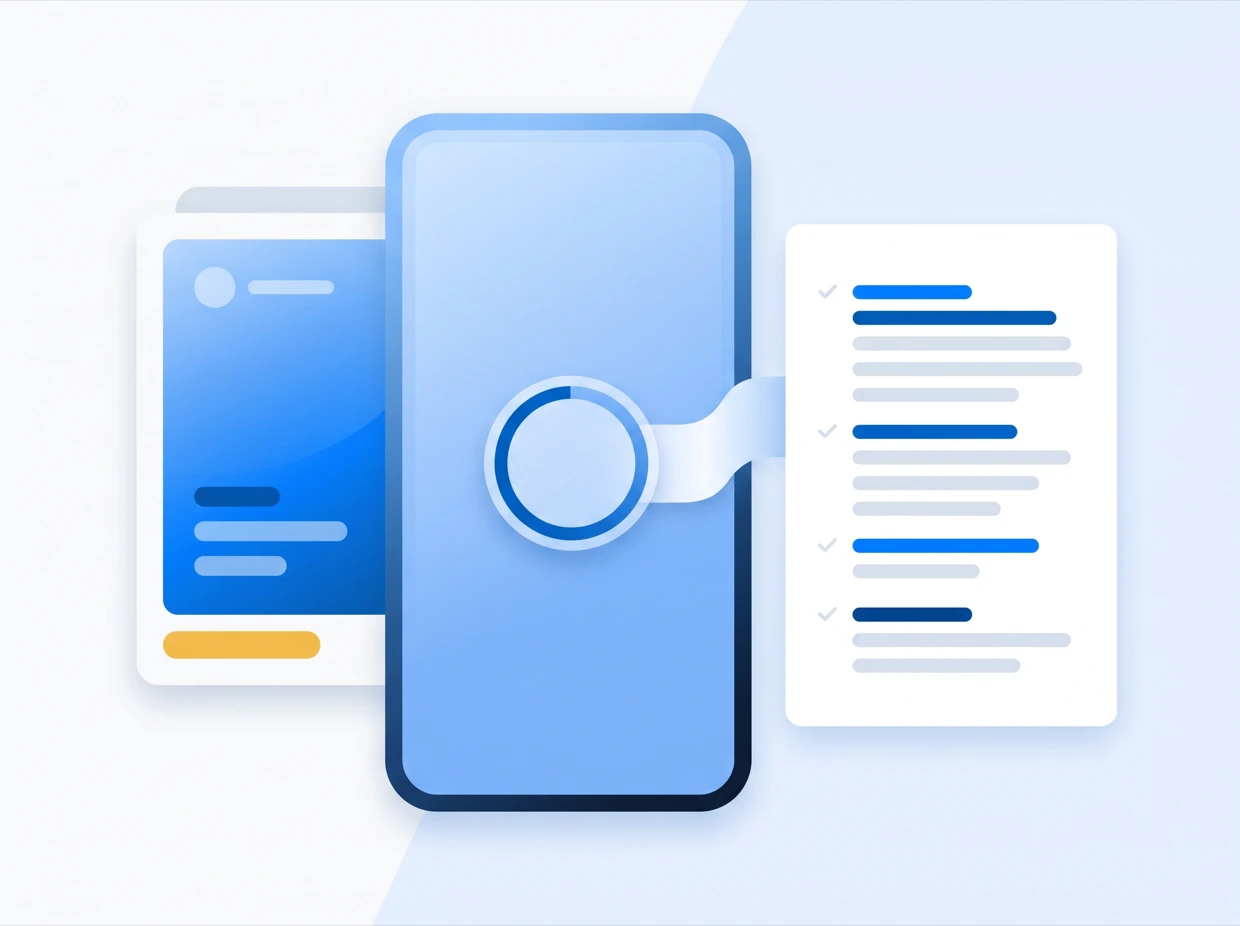
Paste the share link for a public Instagram video you are authorised to process.
Timestamped output
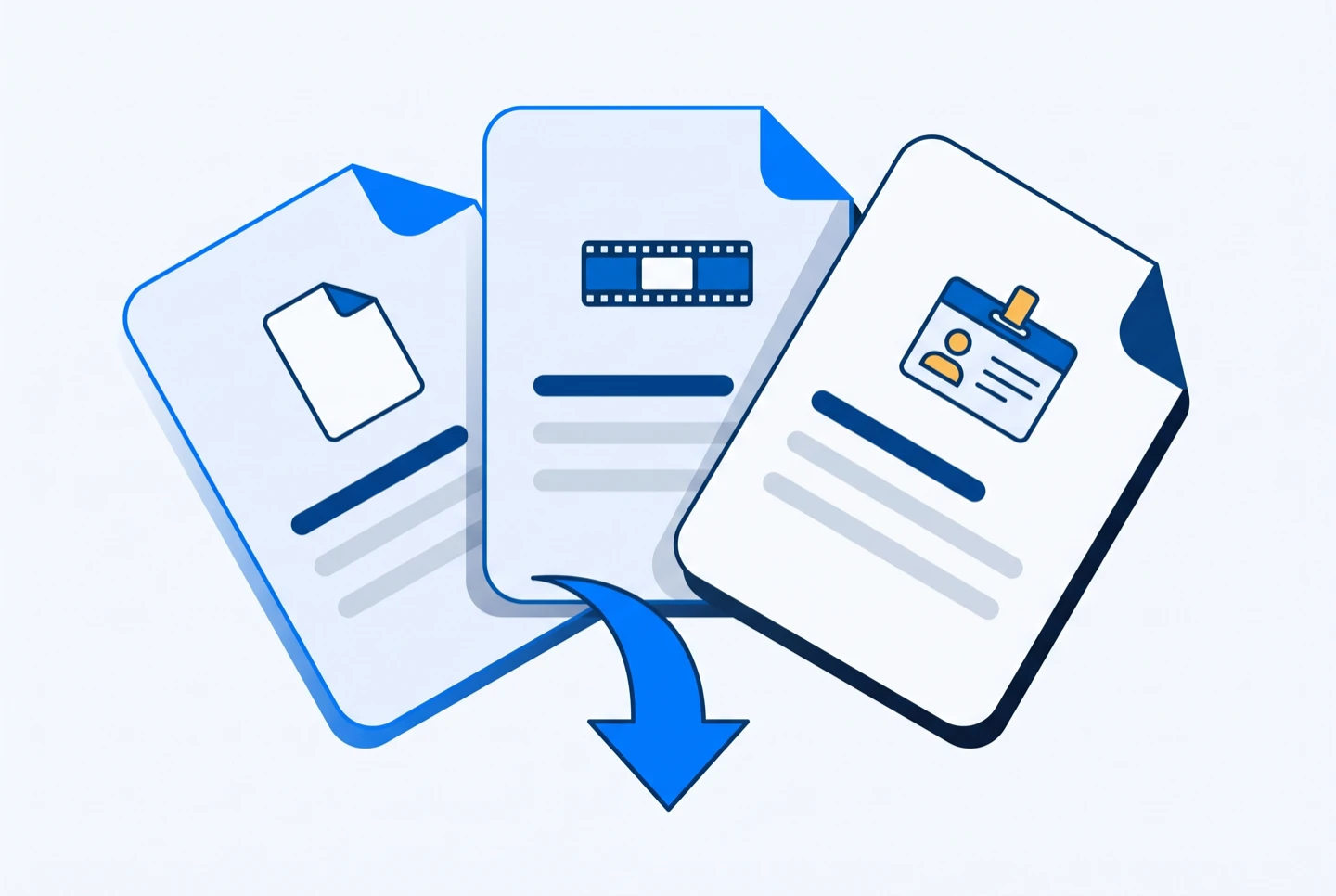
Review the transcript in readable segments, find spoken moments by timestamp, and choose the output that fits your editing or research workflow.
Clean text for scripts, notes, quotations and content repurposing.
Timestamped subtitles for compatible video editors and players.
Web-ready captions for HTML video players and accessibility workflows.
Practical workflows
Turn spoken content from Instagram videos you are authorized to process into text that is easier to edit, search and reuse.
Before you transcribe
Instagram access varies by post and account. Use public links you own or are authorized to process and check the result before relying on it.
Pick the tool that matches your source: a link from a social platform, a file from your device, or a transcript that needs translating.
Longer write-ups on the parts of this that are worth getting right — how accurate the output really is, which file format you need, and what to do when a link will not resolve.
Paste a supported public Instagram Reel or video post URL, create timestamped text, then copy, translate or export the result.
Generate Instagram TranscriptPublic Instagram URLs · timestamped text · TXT, SRT and WebVTT export
Instagram transcript FAQ
Answers about supported Instagram links, accounts, exports, translation and transcript quality.
Copy the link to a public Instagram Reel you own or are authorized to process, paste it into the generator above, preview the available video, and sign in to create the transcript.
EzScribe is designed for publicly accessible Instagram Reels and video posts. A link can still fail when Instagram requires a login or applies account, age, regional or availability restrictions.
No manual video download is required. Paste the public Instagram link and EzScribe handles the available media processing needed to create the transcript.
You can paste a link and preview the available video before signing in. An account is required to create, save and later reopen a transcription task.
Available credits and current pricing are shown in EzScribe. Transcription uses credits based on the processed video duration, so check the displayed allowance before creating a task.
Yes. Completed transcripts can be copied as text or exported as TXT, timestamped SRT subtitles, or WebVTT captions for compatible web players.
Yes. After transcription, choose a supported language to create a translated view while retaining the source transcript for comparison and review.
Yes, visible captions are not required when usable spoken audio is available. Results depend on speech clarity, music, noise, accents and overlapping speakers.
Private and login-restricted Instagram content is not reliably accessible and should not be treated as supported. Use public content you own or have permission to process.
AI transcription provides an editable first draft rather than a guaranteed perfect record. Review names, numbers, specialist terms and important quotations against the source video.