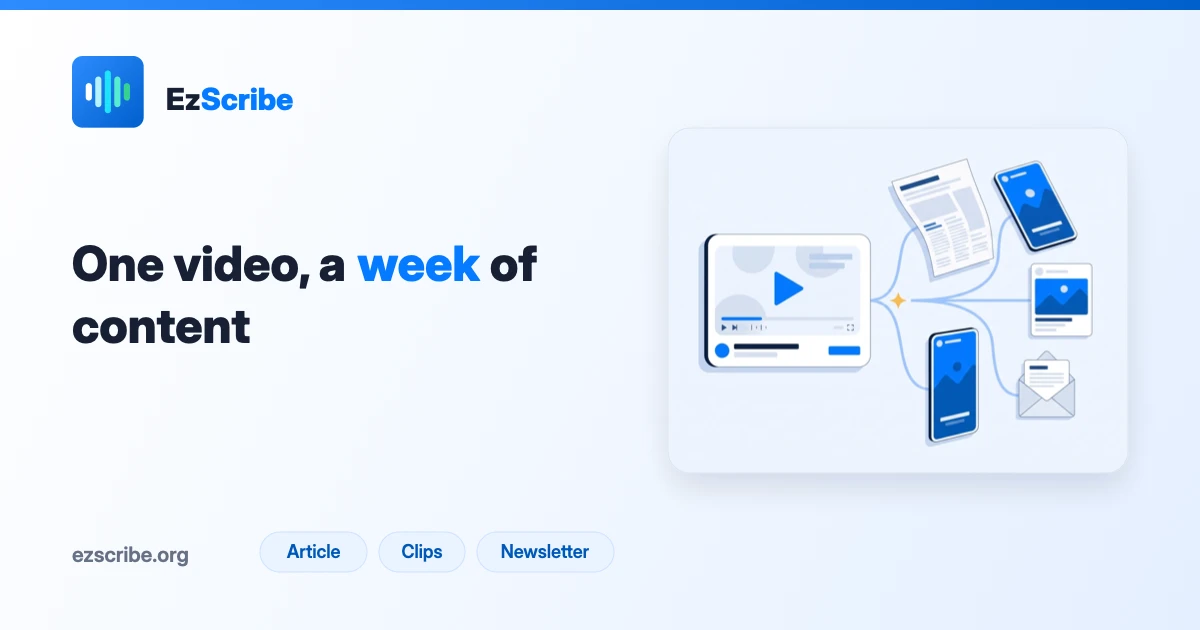
Most repurposing advice starts with the video file and ends in a video editor. That is why it feels like so much work: you are scrubbing a timeline looking for moments, in real time, with no way to search.
Start from the transcript instead and the whole job changes shape. A 45-minute recording becomes 7,000 words of searchable text. You can read it in eight minutes, find the four good bits with Ctrl+F, and know exactly which timestamps to cut before you open an editor at all.
This is the workflow, with realistic numbers attached.
What one recording is actually worth
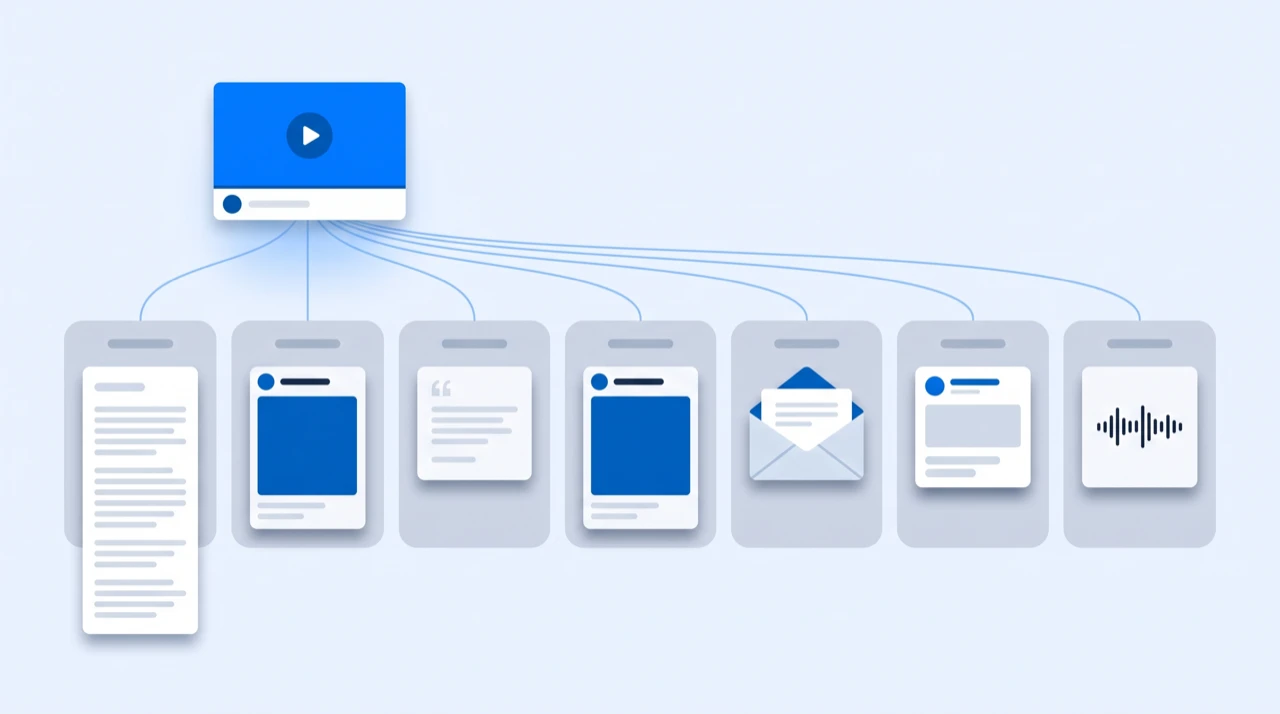
The mistake is treating repurposing as "cut some clips". One long recording contains at least five different kinds of asset, and only one of them is video:
| Asset | Comes from | Where it goes |
|---|---|---|
| A written article | The claims and their support | Blog, SEO, LinkedIn article |
| 3–6 short clips | The self-contained stories | Shorts, Reels, TikTok |
| 5–10 social posts | The quotable lines | X, LinkedIn, Threads |
| A newsletter | The through-line | |
| Captions and subtitles | The transcript itself | Every upload |
| A second-language version | The corrected transcript | New audience |
Call it the one-to-five rule: every recording you publish should leave with at least five things, not one. If it leaves with one, the other four are still in the file and you paid to produce them already.
Step 1: get the transcript, and correct it once
Everything downstream is a copy of this document, so an error here gets duplicated into every asset you make.

Transcribe from the link — YouTube, Spotify, TikTok, Instagram and the rest all take a URL and hand back text in a couple of minutes. Export TXT for reading and SRT for cutting; both come from the same job, so this is one transcription and two files.
Then spend ten minutes fixing names, numbers, acronyms and jargon. That is where automatic transcription actually misses — not evenly across the text, but concentrated on exactly the words you are going to quote. Fixing them once here is the difference between five clean assets and five assets with the same misspelled product name in them.
At 2 credits per video minute, a 45-minute recording costs 90 credits — somewhere between about $0.90 and $3.60 depending on which pack you bought. That is the entire input cost for the week's output.
Step 2: the article comes from the claims
Read the transcript with one question: what does this recording assert? Not what topics it covers — what it claims is true.
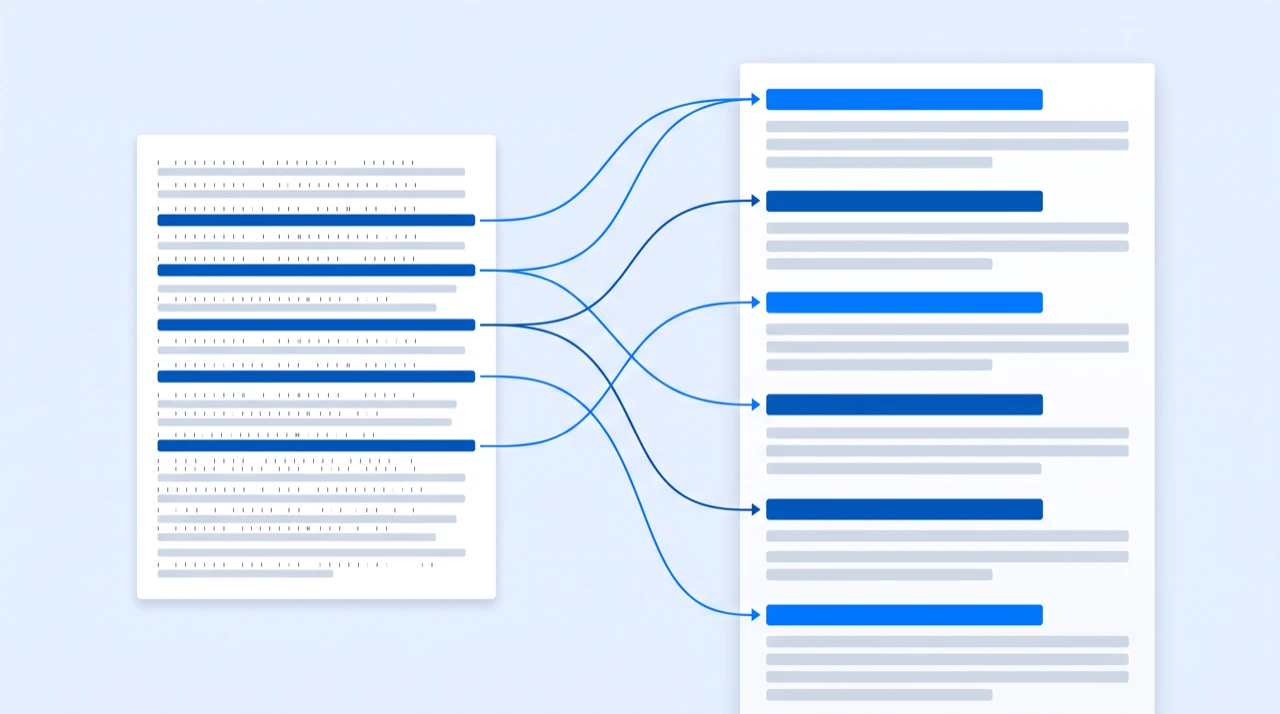
You will usually find three to six real claims in a 45-minute recording, each with a supporting example or story. That is an article outline. The transcript already contains the evidence for each one in the speaker's own words, which is why an article written this way reads like someone who knows the subject rather than like an SEO brief.
What to cut: the throat-clearing at the start, the housekeeping, the digressions, and every instance of "as I was saying". Speech has about a 40% redundancy rate that reads fine and looks terrible on a page.
What to keep verbatim: the sentences you would have quoted anyway. Spoken phrasing is often better than what you would have written from scratch.
Step 3: the clips come from the stories
Now use the SRT. Search the transcript for the moments that are self-contained — they make sense to someone who has not seen the rest — and note the timestamps around them.
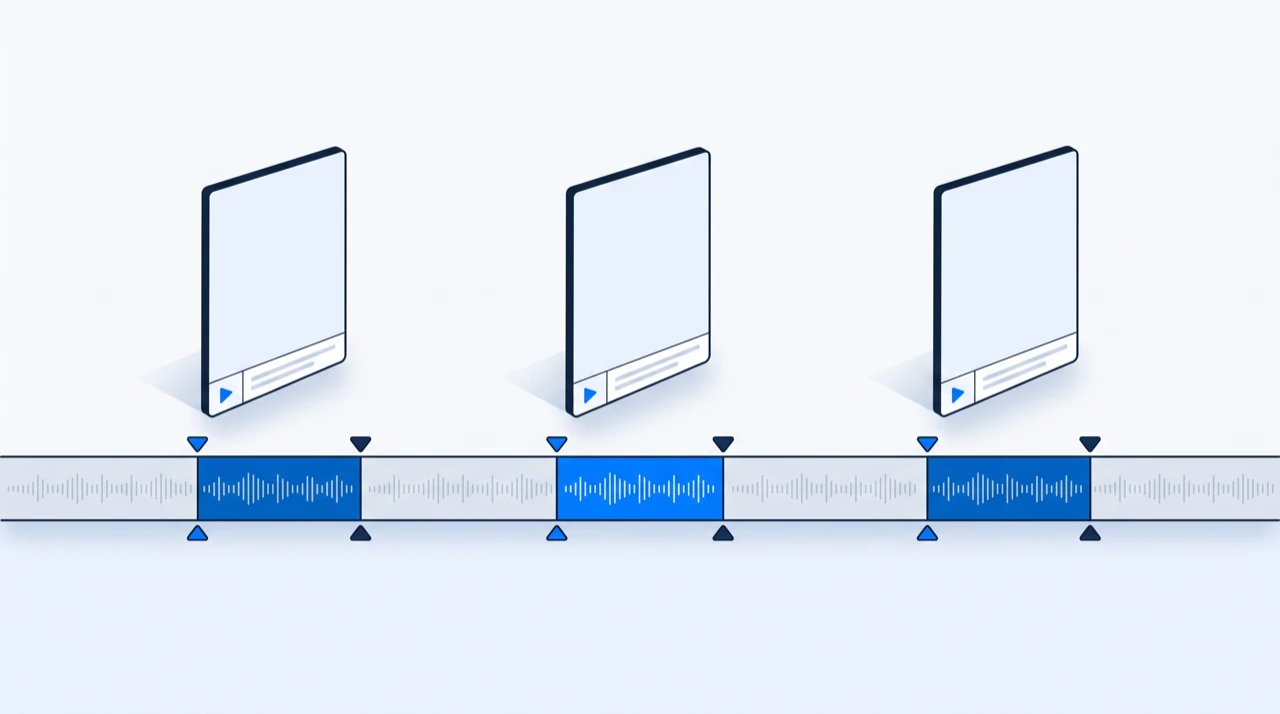
A clip that works usually has three properties: it starts on a statement rather than a wind-up, it resolves within 60 seconds, and it does not depend on a question you cut out. Searching the text for those is a couple of minutes' work. Finding them by scrubbing the video is half an hour.
Take the timestamps into your editor, cut, and burn the captions in — how to add subtitles to a video covers doing that properly. Vertical clips are watched with the sound off, so captions are not an accessibility extra here; they are the format.
Three to six clips from a 45-minute recording is realistic. Twenty is a sign you are cutting moments that are not actually good.
Step 4: the social posts come from the lines
Different unit again. Not claims, not stories — sentences.
Read the transcript looking only for lines that stand alone. A good spoken sentence is already a post: it has a rhythm that written-from-scratch social copy usually lacks, because it was said to a person rather than typed at a box.
Five to ten of these per recording is normal. Post them as text. The temptation is to attach a clip to each one, but a strong line does more work on its own than the same line stapled to fourteen seconds of video.
Step 5: the newsletter comes from the shape
Not the claims and not the lines — the movement. What did the conversation change its mind about? Where did it get more interesting than expected?
That is a newsletter: here is what I thought going in, here is what actually came up, here is the bit worth your time. It is the asset that most rewards having read the whole transcript, and the one that most obviously cannot be produced by scrubbing a timeline.
Step 6: a second language, if the audience exists
The transcript is already corrected, so a translated version is one more export rather than a new project. EzScribe translates into 107 target languages, and the subtitle translator returns SRT or WebVTT with the original timings preserved — so translated clips do not need re-cutting.
Worth doing when you have evidence of an audience there. Not worth doing speculatively: you will be answering comments in a language you do not read.
A week from one recording
A realistic distribution schedule, assuming you record on Friday and the transcript is corrected over the weekend:
| Day | Publish | Source |
|---|---|---|
| Monday | The article | The claims |
| Monday | Full video with corrected captions | The SRT |
| Tuesday | Clip 1 + the line that sets it up | A story |
| Wednesday | Text post | A quotable line |
| Thursday | Clip 2 | A story |
| Friday | Newsletter | The through-line |
| Saturday | Text post | A quotable line |
| Sunday | Clip 3, or hold it for next week | A story |
Spacing matters more than volume. The same eight assets published on one Monday get one audience's attention once; spread over seven days they get seven chances, and the ones that work tell you what to record next.
What this costs in time
For a 45-minute recording, honestly:
| Task | Time |
|---|---|
| Transcribing from the link | 2 minutes, unattended |
| Correcting names and numbers | 10 minutes |
| Reading and marking the transcript | 15 minutes |
| Writing the article | 60–90 minutes |
| Cutting 3 clips | 45 minutes |
| Writing the posts and newsletter | 30 minutes |
Call it three to four hours for a week of output — most of it writing and editing, which was always going to take that long. The part that used to eat an afternoon, hunting through the video for the good bits, is the twenty-five minutes at the top.
The mistakes that make this not work
Skipping the correction pass. Ten minutes saved at the start turns into the same misspelled name appearing in an article, three clips and a newsletter.
Publishing the raw transcript as an article. It is source material, not a draft. Spoken language on a page reads as unedited, and readers notice within a paragraph.
Cutting clips before reading the transcript. This is the whole point. Scrubbing is slow and you will miss the good moment at 31:40 because you gave up at 20:00.
Repurposing everything you record. Not every recording contains five assets. Some contain one. Producing eight mediocre posts from a thin conversation is worse than producing nothing and recording something better.
Posting the same asset everywhere on the same day. A clip on four platforms simultaneously is one impression across four feeds, not four.
Where to start
Take the last recording you published and transcribe it. Not the next one — the last one, which is already public, already paid for, and currently generating nothing.
Read the transcript and count how many of the five asset types are in it. That number is what you have been leaving in the file every time, and it is usually higher than people expect.
If the recording is a podcast episode, how to transcribe a podcast episode covers the specifics of getting good text out of a conversation with two or more people in it.
Frequently asked questions
- What does it mean to repurpose video content?
- Turning one recording into several different assets rather than one upload. A 45-minute video usually contains at least five: a written article from its claims, three to six short clips from its self-contained stories, five to ten social posts from its quotable lines, a newsletter from its through-line, and the captions every one of those uploads needs.
- Why start from the transcript instead of the video?
- Because text is searchable and a timeline is not. A 45-minute recording becomes about 7,000 words you can read in eight minutes and search with Ctrl+F. Finding the four good moments that way takes minutes; finding them by scrubbing the video takes most of an hour, and you will miss the one at 31:40 because you gave up at 20:00.
- How many pieces of content can one video realistically produce?
- For a 45-minute recording with real substance in it: one article, three to six clips, five to ten short text posts, one newsletter, plus captions and optionally a translated version. Not every recording contains that much — some contain one good asset, and producing eight mediocre posts from a thin conversation is worse than producing nothing.
- How long does repurposing one video actually take?
- Three to four hours for a 45-minute recording, most of it writing and editing. Transcribing is two unattended minutes, correcting names and numbers is ten, and reading and marking the transcript is fifteen. The part that used to eat an afternoon — hunting through the video for the good bits — is the twenty-five minutes at the top.
- What does the transcription itself cost?
- 2 credits per video minute, rounded up, so a 45-minute recording is 90 credits — roughly $0.90 to $3.60 depending on which pack you bought. That is the whole input cost for the week's output, and failed jobs are not charged.
- Should I post the same clip to every platform at once?
- No. The same asset published everywhere on one day is one impression spread across four feeds, not four impressions. Spacing matters more than volume: eight assets over seven days get seven chances at attention, and the ones that work tell you what to record next.
Try it on a video of your own
Reading about it only gets you so far. Paste a link you are authorized to transcribe and look at the actual transcript — the words, the timings, and whatever the audio was going to trip on.
88 free credits when you sign up. Credits are pay-as-you-go with no subscription, and a job that fails is not charged.