About EzScribe
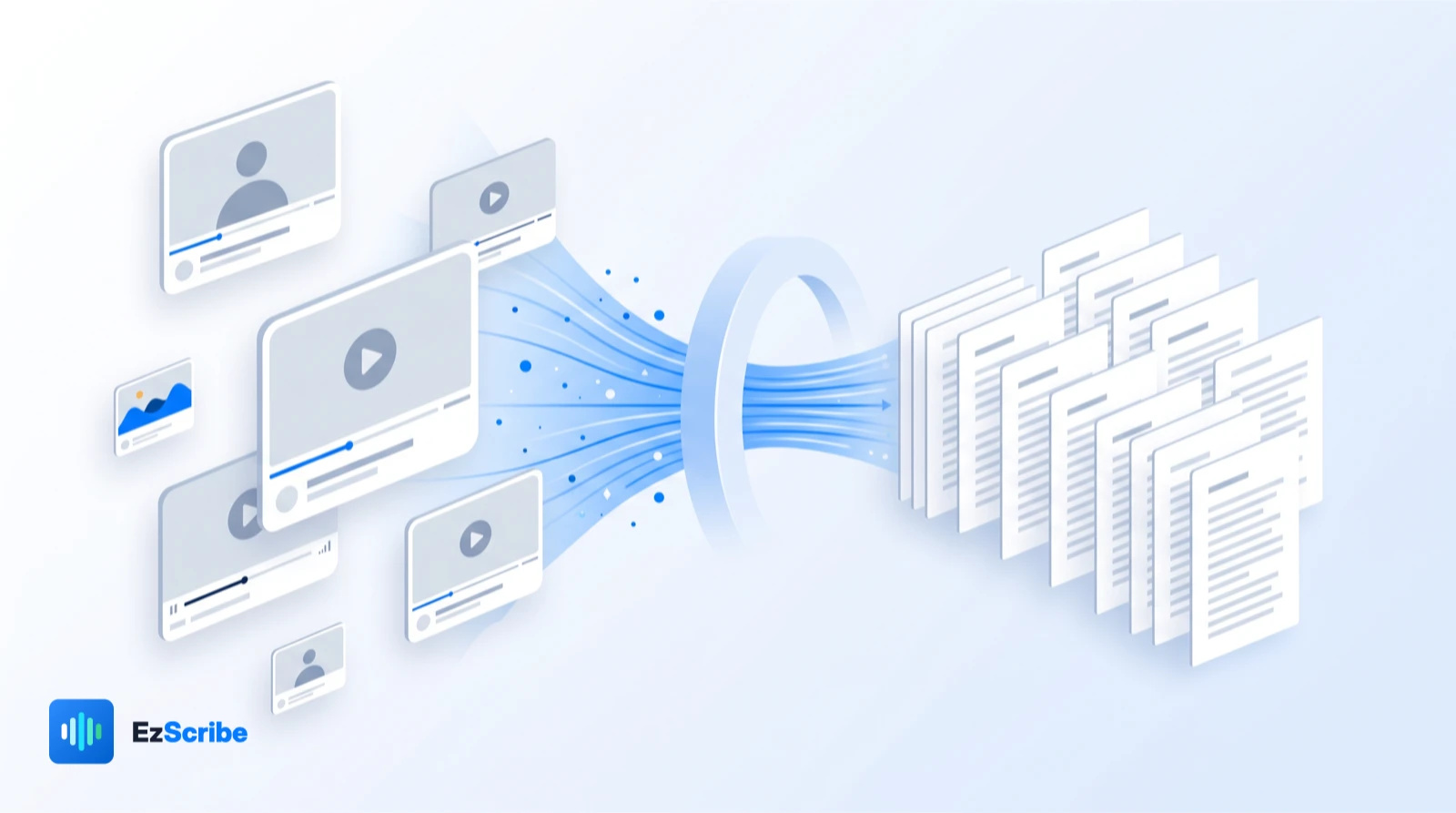
EzScribe turns a video link or an audio file into a timestamped transcript you can read, correct, translate, and export — in the browser, with nothing to install.
- Supported platforms
- 6
- Translation languages
- 107
- Longest single recording
- 12h
Why we built it
Getting information out of video is still too hard

You cannot search a video, quote it in a document, hand it to a screen reader, or turn it into a blog post without a transcript first. Getting one usually meant paying a studio service per minute, or wrestling with a command-line tool and a model download.
EzScribe is the shortest path we could build between a link and a transcript you can actually use. No install, no subscription, no per-seat licence — you buy credits and spend them on the minutes you transcribe.
What we build
Three things, done properly
Everything else on the site is a route into one of these.
Transcription
Paste a supported link or upload a file. Whisper large-v3-turbo returns a timestamped transcript you can read, search, and correct in the browser.
Translation
Translate a finished transcript into any of 107 target languages. Timings are preserved, so translated subtitles stay in sync with the video.
Subtitle export
Download as plain text, SRT, or WebVTT — the formats that video editors, players, and CMS platforms already accept.
How it works
From link to transcript in four steps
The same pipeline runs behind every tool page on the site.
Submit
Paste a link from a supported platform, a directly accessible media URL, or upload an audio or video file you have the rights to process.
Extract audio
We fetch only the audio track into a temporary working directory, which is deleted as soon as the job finishes.
Transcribe
Whisper large-v3-turbo produces a timestamped transcript, typically in 3–10 seconds per minute of audio.
Review and export
Correct anything the model got wrong, translate it if you need to, then download TXT, SRT, or WebVTT.
The details
What the service actually supports, without the marketing adjectives.
- Supported sources
- TikTok, Instagram, YouTube, X, Facebook, RedNote, plus direct media URLs and file uploads
- Speech recognition
- Whisper large-v3-turbo
- Transcription accuracy
- No published percentage — it depends on your recording. Microphone distance, room echo and people talking over each other matter far more than the model does
- Transcription languages
- 100+
- Translation languages
- 107 target languages, with original timings preserved
- Export formats
- TXT, SRT, WebVTT
- Pricing
- 2 credits per video minute, rounded up to the next full minute
- Failed jobs
- Never charged — credits are deducted only for a transcription that succeeds
Where we draw the line
What we do not do with your content
These are commitments in our Privacy Policy, not marketing copy — they are enforceable against us.
- We do not sell or rent your personal information.
- We do not use your links, files, or transcripts to train public AI models.
- We do not keep your source media — it exists in a temporary directory only for the length of the job.
- We do not lock you in — delete any transcript, or your entire account, whenever you want.
Who uses EzScribe
The same workflow, four very different jobs.
Content creators
Repurpose a video into a blog post, a newsletter, or social copy without retyping it.
Marketers
Pull hooks, claims, and structure out of authorised video ads and competitor content.
Educators
Produce captions and readable notes so lecture recordings are accessible to every student.
Researchers
Turn interviews and field recordings into text you can code, quote, and cite.
Turn your first video into a transcript
Create an account, paste a link, and read the output a few seconds later.