Timecodes survive the translation
Each cue is translated on its own, so start and end times come back identical. Nothing needs re-syncing after you import the file.
Paste a video link and get translated subtitles with the original timing intact. Download SRT or WebVTT files that drop straight into Premiere Pro, Final Cut, CapCut and DaVinci Resolve.
 Accurate AI Transcription
 100+ Languages
 Saved to Your Account
 Private & Secure
Powered by Whisper
#1 in speech-to-text accuracy
A translated subtitle file is only useful if the cues still land where the speech does. EzScribe translates the text inside each cue and writes the original times back out.
Every segment keeps the start and end time it was transcribed with, before and after translation.
Export either format from the same transcript; the timing is written the same way in both.
Read the translated lines in the browser and correct them before downloading the file.

It generates a timed subtitle track from a video link and translates it in place, so the file you download is already synced to the picture.
Generate a subtitle track from a public video, translate it in place, and export SRT or WebVTT that keeps the original timings.
SRT comes first because that is what most editing software expects. Every format carries the same cue timings as the original.
Imports into Premiere Pro, Final Cut, CapCut, DaVinci Resolve and almost anything else that accepts a subtitle file.
Attach it to an HTML5 player so viewers can switch subtitle language without you shipping a second video file.
The same translation with the timings stripped out, for scripts, reviews and approval documents.
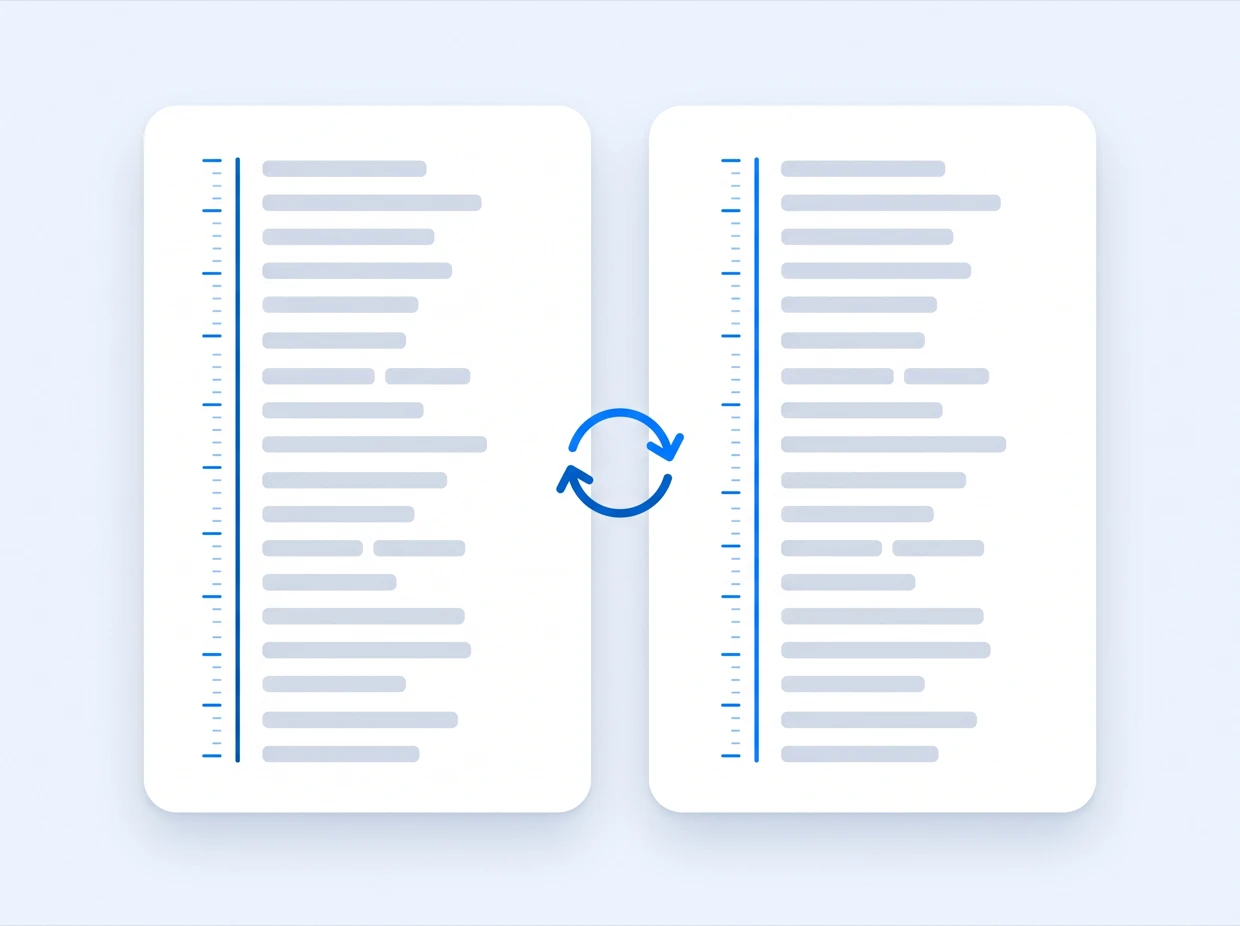
Pick one target language per pass and export as many versions as the release needs. Cue timings stay identical across every language, so all your subtitle files line up with the same cut.
Take a finished video into another language without rebuilding subtitle timings by hand.
Subtitles are generated from the audio of a video you are allowed to process, then translated. Here is the exact scope.
Pick the tool that matches your source: a link from a social platform, a file from your device, or a transcript that needs translating.
Longer write-ups on the parts of this that are worth getting right — how accurate the output really is, which file format you need, and what to do when a link will not resolve.
Paste a video link you own or are authorized to process, and download subtitles that keep every cue exactly where it was.
Translate subtitlesVideo links · timings preserved · SRT and WebVTT exports
Answers about supported inputs, subtitle timings, SRT and WebVTT exports, languages and accuracy.
Paste a public video URL you own or are authorized to process. Subtitles are generated from the audio, then translated into the language you pick.
Not yet. Translation starts from a video link, and the subtitle file is generated for you before it is translated.
No. Subtitles are generated from the spoken audio, so a video with no subtitle track and no auto-captions works the same way.
Yes. Each subtitle line is translated in place, so start and end times stay identical to the original file.
SRT and WebVTT keep the timecodes and TXT gives plain text. The download follows whichever view is open, so you can export the original or the translation.
Choose SRT for common video editing software, and WebVTT for HTML5 players and web captions.
More than 100 target languages, with the source language detected from the generated subtitles automatically.
Subtitles here are timed files for a video editing workflow. The caption translator covers captions read on social posts and web players, and the transcript translator covers plain readable text.