Every transcription tool offers the same three exports, usually with no explanation of the difference. The choice is simpler than it looks, and it comes down to one question: does anything downstream need to know when each line was said?
If no, you want TXT. If yes, you want SRT or WebVTT, and which of those depends on where the file is going.
Subtitles or captions? Decide this first
The format question is easier once this one is settled, and most guides skip it.
Subtitles assume the viewer can hear the audio and just needs the words — usually because the speech is in a language they do not read. Dialogue only.
Captions are written for someone who cannot hear the audio at all. They carry the dialogue and the things a hearing viewer gets for free: who is speaking when it is not obvious, and sound that matters — [door slams], [laughs], [music swells]. This is what accessibility requirements mean when they ask for captions, and it is why an auto-generated file is a draft rather than a deliverable.
SRT and WebVTT are both containers. Either one holds subtitles or captions; the difference is what you type into it, not which extension you pick.
TXT — text with the timing thrown away
A plain text file. Just the words, in order, with no timestamps and no structure beyond paragraphs.

We spent about six months on the first version, and honestly most of
that was rewriting the ingest pipeline twice.
Use it when a human is going to read the words:
- Show notes and episode summaries
- Pulling quotes for an article or social post
- Publishing the transcript on a page, where it is often the only text a search engine can read
- Pasting into a document to edit
- Feeding text to a search index or a language model
TXT is the right default for anything that is not a video. If you are unsure and the file is not going near a player or an editor, this is the one.
SRT — the format every video tool accepts
SubRip. It has been around since the late 1990s and it is the closest thing subtitles have to a universal format. A file is a numbered list of blocks:

1
00:00:04,120 --> 00:00:07,480
We spent about six months on the first version,

2
00:00:07,480 --> 00:00:10,050
and honestly most of that was rewriting the ingest pipeline twice.
An index, a time range, the text, a blank line. That is the whole specification, which is exactly why everything reads it.
Use SRT when:
- You are importing subtitles into a video editor — Premiere, Resolve, Final Cut and every web-based editor accept it
- You are uploading captions to a platform that asks for a subtitle file
- You are handing the file to someone else and do not know what they will open it with
The trade-off is that SRT carries almost no styling. Positioning, fonts and colours are not part of the format. For most work that is a feature, not a limitation — the player decides how captions look, and it is usually right.
Note the comma before the milliseconds. That single character is the most common reason a file rejected as "invalid" is actually a WebVTT file with the wrong extension.
WebVTT — the format browsers speak natively
Web Video Text Tracks. It is what the HTML <track> element expects, which makes it the format for video that plays on a web page.

WEBVTT

00:00:04.120 --> 00:00:07.480
We spent about six months on the first version,

00:00:07.480 --> 00:00:10.050
and honestly most of that was rewriting the ingest pipeline twice.
The differences from SRT are small but not optional: a WEBVTT header line, a period instead of a comma before milliseconds, and no block numbers. A browser will refuse a file missing that header.
Use WebVTT when:
- You are embedding video on your own site with
<video>and<track> - Your player or CMS asks specifically for VTT
- You want styling, positioning or cue settings, which the format does support
Where each format is accepted
The practical answer to "which one" is usually just "what will open it".
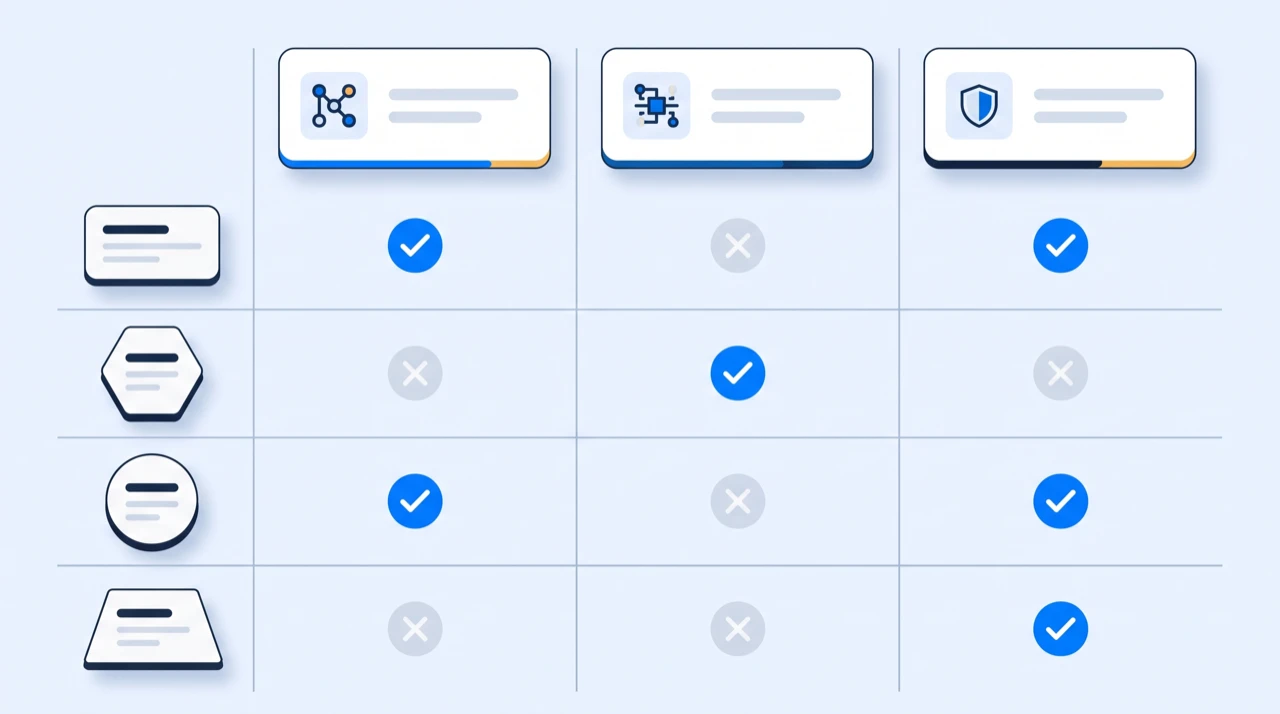
| Destination | Takes | Notes |
|---|---|---|
HTML5 <video> with <track> |
WebVTT | Specified against VTT; a file without the header is rejected |
| YouTube | SRT, WebVTT | SRT is the safest upload |
| Video editors (Premiere, Resolve, Final Cut) | SRT | Universally supported as a caption track |
| Social platforms with a caption upload | SRT | The format every upload form has accepted longest |
Podcast RSS (podcast:transcript) |
TXT, SRT, WebVTT | Prefer a timed format so apps can follow along |
| Show notes, blog posts, newsletters | TXT | No player involved, so timings are noise |
If you only remember one line: SRT for anything that gets uploaded, WebVTT for anything that plays on your own page, TXT for anything a person reads.
Converting between SRT and WebVTT
Because the two formats differ in three specific ways, converting is mechanical:
- Add a
WEBVTTline and a blank line at the top (or remove it, going the other way) - Change the comma before the milliseconds to a period (or back)
- Drop the block numbers — WebVTT ignores them, so leaving them in is harmless but untidy
That is genuinely all of it for a plain file. Nothing about the timings or the text changes, which is why a conversion never needs the video.
In practice you rarely should convert. Both come out of the same transcript, so exporting the format you actually need is one click and avoids the class of bug where a half-converted file parses but drifts.
The formats these three do not cover
SRT, WebVTT and TXT are not the only subtitle formats, and it is worth knowing when you have hit the edge of them:
- ASS / SSA — Advanced SubStation Alpha. Karaoke effects, precise positioning, per-line fonts and colours. Fansubbing and anime use it heavily. If you need text that moves or is styled per line, this is what you are looking for.
- TTML / DFXP — XML-based, used in broadcast and by the large streaming services, where the delivery spec is strict and styling has to be declared rather than left to the player.
- SBV — YouTube's own older format. Rarely needed now that it accepts SRT.
EzScribe exports TXT, SRT and WebVTT and not the others. That covers reading, video editors and web players, which is where a transcript usually goes. If your delivery spec names TTML or your project needs ASS styling, you need a subtitling tool rather than a transcription one — and knowing that before you start is worth more than a fourth export button.
Picking without thinking about it
| What you are doing | Format |
|---|---|
| Writing show notes or an article | TXT |
| Quoting from the recording | TXT |
| Publishing the transcript on a page | TXT |
| Importing into a video editor | SRT |
| Uploading captions to a platform | SRT |
| Embedding video on your own page | WebVTT |
| Your tool asked for VTT specifically | WebVTT |
You do not have to choose once
All three come from the same transcript, so exporting one does not rule out the others. A common pattern is to take TXT for the written version of a piece and SRT for the clips cut from the same recording — one transcription job, two very different outputs.
If you need the same subtitles in another language, that is a separate step worth understanding on its own: translating subtitles without breaking the timings is where the formats start to matter more than they do here.
And if the file is going onto a video, how to add subtitles to a video covers attaching it and the formatting rules that make captions readable.
One thing to check before you export
Timestamps are only as good as the transcript they are attached to. If the transcription got a name wrong, the SRT will carry that error into every clip you cut from it — and fixing it in twelve subtitle blocks is more tedious than fixing it once in the editor beforehand.
Correct the text first, export second. In that order it is a minute of work; in the other order it is fifteen.
Frequently asked questions
- What is the difference between SRT and WebVTT?
- Three things, and only three. WebVTT files open with a WEBVTT header line; SRT files have no header. WebVTT separates seconds from milliseconds with a period (00:00:04.120), SRT uses a comma (00:00:04,120). SRT numbers each block, WebVTT does not require it. Everything else — the timing arrow, the text, the blank line between blocks — is identical, which is why converting between them is a search and replace rather than a re-render.
- Which format does YouTube accept?
- Both SRT and WebVTT, along with several broadcast formats. SRT is the safer default for any upload form, because it is the format that has been accepted everywhere the longest.
- Can I use an SRT file with an HTML5 video player?
- Not directly. The <track> element is specified against WebVTT, and browsers reject a file without the WEBVTT header. For video on your own page, export WebVTT.
- Is TXT a subtitle format?
- No. TXT is the transcript with the timing thrown away — the words in order and nothing else. It is what you want for show notes, quotes and anything a person reads. If a player or an editor is going to display the text against the video, you need SRT or WebVTT instead.
- How do I convert an SRT file to WebVTT?
- Three edits, none of which touch the timings or the text. Add a WEBVTT line and a blank line at the top; change the comma before the milliseconds to a period, so 00:00:04,120 becomes 00:00:04.120; drop the block numbers, which WebVTT ignores. Reverse all three going the other way. In practice you rarely need to convert at all — both formats come out of the same transcript, so exporting the one you actually need is a click and avoids the half-converted file that parses but drifts.
- Does EzScribe export ASS, SSA or TTML?
- No. Exports are TXT, SRT and WebVTT. Those cover reading, video editors and web players; the styling-heavy and broadcast formats are a different job and pretending otherwise would waste your time.
Try it on a video of your own
Reading about it only gets you so far. Paste a link you are authorized to transcribe and look at the actual transcript — the words, the timings, and whatever the audio was going to trip on.
88 free credits when you sign up. Credits are pay-as-you-go with no subscription, and a job that fails is not charged.