Paste an SRT file into a general-purpose translator and you get something that looks translated and is unusable. The words are right. The file is broken.
It is worth understanding exactly how, because the failure is not random — it is the same three things every time, and each one has a specific fix.
What a subtitle file actually is
An SRT is not a document with timestamps sprinkled through it. It is a list of cues, and each cue is a rigid four-part structure:

12
00:01:04,120 --> 00:01:07,480
We spent about six months on the first version,
and most of that was rewriting the ingest pipeline.
An index. A time range. One or two lines of text. A blank line to end the block. WebVTT is the same idea with a header and periods instead of commas.
Exactly one of those four parts is language. The other three are machine-readable structure, and a translator that does not know the difference will happily rewrite all four.
The three ways it breaks

The timestamps get translated
Translation engines normalise numbers and punctuation. 00:01:04,120 contains a comma that a French-target model may read as a decimal separator and "correct" to a period, or an Arabic-target model may render in Eastern Arabic numerals. Either way the arrow line no longer parses, and the player rejects the whole file rather than the one cue.
The block structure collapses
Most translators work paragraph by paragraph and treat blank lines as noise. Two cues get merged into one, or a two-line cue becomes one long line, or the index numbers get absorbed into the text. What comes back is prose with timestamps in it — which no player reads.
The text outgrows its window
This one is the most insidious, because the file still parses. It plays. It is just wrong.
A cue that held a comfortable English line for 2.5 seconds now holds a German sentence 30% longer. The reader cannot finish it before it disappears. Nothing errors; the subtitles simply stop being readable, and you only find out by watching the whole video in a language you may not speak.
Typical expansion against English:
| Target language | Length change |
|---|---|
| German | +10% to +35% |
| Spanish, Portuguese, Italian | +15% to +25% |
| French | +15% to +20% |
| Russian, Polish | +10% to +20% |
| Arabic, Hebrew | roughly level, right-to-left |
| Chinese, Japanese, Korean | −30% to −50% in characters |
A cue at a comfortable reading speed in English is over the limit in German and fine in Chinese. That is why "the translation is accurate" and "the subtitles are readable" are two different questions.
What has to survive the translation
Three rules, and they are the whole job:
- Timestamps are never touched. Not reformatted, not renumbered, not re-encoded.
- Cue boundaries are never merged or split. Cue 12 in becomes cue 12 out.
- The translated text is fitted to the cue, not just poured into it — because of the expansion above.
Rules 1 and 2 are mechanical and a tool either gets them right or it does not. Rule 3 requires knowing what the cue is worth in time, which is why translating the file as a file works better than translating each line in isolation.
The approach that works
Translate from the source, not from the file. The cleanest path is to go back to the video and produce the second language as its own timed export. The timings come from the audio, so they cannot drift from it — there is no round trip through a document format to get wrong.
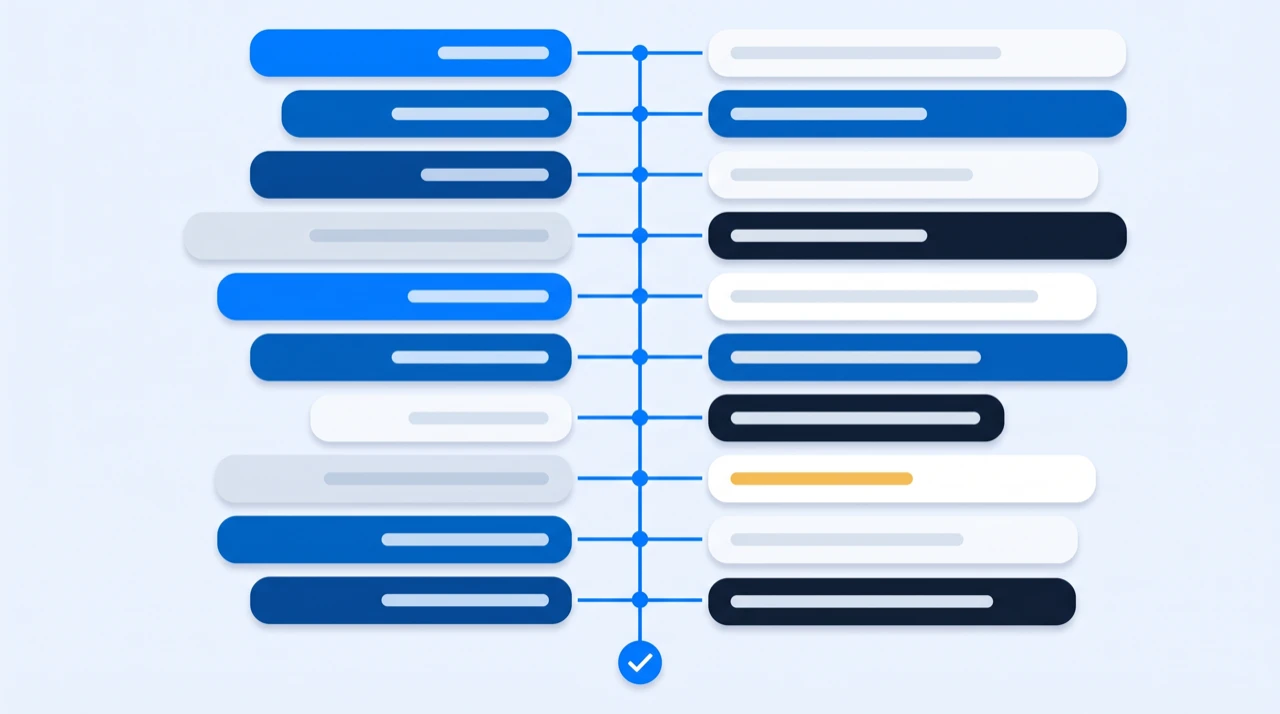
EzScribe's three translators all work this way. You give them the original video link, pick a target language, and get a timed file back:
- Subtitle translator — SRT or WebVTT with the original timings preserved, for uploading to a platform or dropping into an editor
- Caption translator — the same for web players and accessibility work
- Transcript translator — plain readable text, when the timings are not the point
107 target languages, and the timings on the way out are the timings the speech actually had.
A limit worth knowing up front: all three start from a video link, not from a subtitle file you already have. If you were handed an SRT by someone else and have no access to the video, this is not the tool for that job — you want a dedicated file-based subtitle translator or a CAT tool with an SRT filter, both of which are built to protect the structure of a file they cannot regenerate.
Handling the expansion
Once you have the translated file, the readability problem is still yours. Two checks catch nearly all of it.
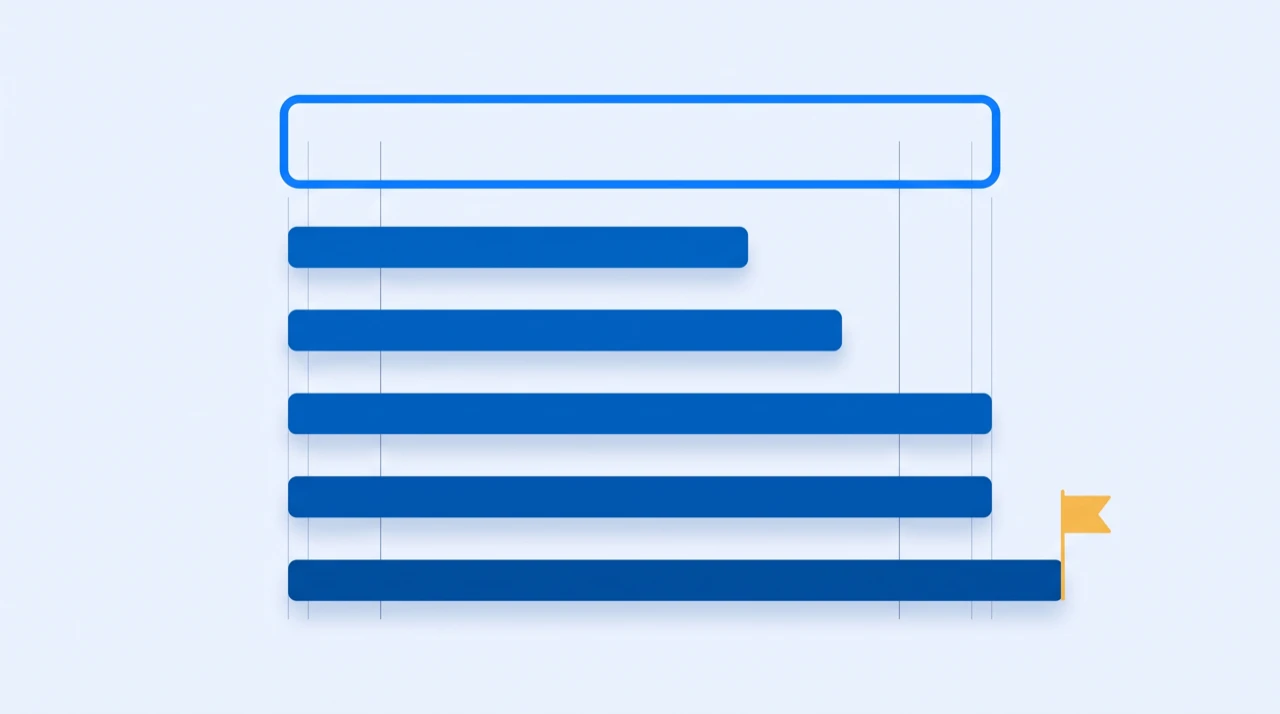
Check the shortest cues, not the whole file. A 5-second cue can absorb 30% more text without anyone noticing. A 1.2-second cue cannot. Sort by duration, look at the bottom of the list, and you will have found the unreadable cues in a couple of minutes instead of watching the whole video.
A quick way to see them:
# Cues shorter than 1.5s, where expansion hurts most
grep -B1 -A2 ' --> ' subtitles.de.srt | less
Or open the file in a subtitle editor — most will flag over-speed cues in red without being asked.
Prefer the shorter phrasing. Translation gives you choices, and subtitling is the one context where the blunter option usually wins. "Nous avons passé environ six mois" and "Environ six mois" both carry the sentence; only one of them fits. Dropping a discourse marker — well, you know, actually — costs nothing and buys back a line.
What not to do: shrink the font, extend the cue into the next one, or split one cue into two. The first makes it unreadable a different way, and the other two put the text out of sync with the speech, which is worse than a cue that is slightly fast.
Things worth knowing before you start
Encoding. Save as UTF-8. A subtitle file with accented characters saved as Latin-1 shows up as mojibake in half the players that open it, and the file gives no indication anything is wrong until it is on screen.
Right-to-left languages. Arabic and Hebrew subtitles are a rendering question, not a file-format one. The text goes in the file the same way; whether it displays correctly is up to the player. Test on the actual destination before you ship a batch.
Names stay put. A translation engine will occasionally localise a product or person's name. Check the first and last cue of each speaker — that is where names cluster.
Fix the original first. Every error in the source transcript gets faithfully translated into every target language. Correcting one misheard name before you translate is one edit; correcting it afterwards is one edit per language. If you are producing several languages, the correction pass on the original is the highest-leverage ten minutes in the whole workflow.
Machine translation has a ceiling. For a marketing video, a conference talk or a tutorial, current machine translation is good enough that the readability of the cue matters more than the wording. For legal, medical or contractual content, or anything where a mistranslation costs money, a human reviewer who speaks the target language is not optional. Machine translation gets you to a reviewable draft much faster; it does not remove the reviewer.
The short version
Never run a subtitle file through a general translator. Go back to the video and produce the second language as its own timed export, so the timings come from the audio rather than surviving a round trip. Then check the shortest cues, because that is where the extra length of the new language actually hurts.
If you are still deciding which file you need at the end of this — SRT vs WebVTT vs TXT settles that in a table — and how to add subtitles to a video covers getting the finished file onto the video.
Frequently asked questions
- Why does Google Translate break an SRT file?
- Three reasons. It reformats the timestamps, because 00:01:04,120 looks like a decimal number to a translation model. It merges cues, because it treats the blank lines that separate them as noise. And it takes no account of how much longer the new language is, so cues that parsed fine become impossible to read in the time available. The first two stop the file loading at all; the third is worse because it looks fine until someone watches it.
- How do I translate subtitles and keep the timings?
- Go back to the video rather than to the subtitle file. Producing the second language as its own timed export means the timings come from the audio and cannot drift from it. EzScribe's subtitle translator takes the original video link and returns SRT or WebVTT with the original timings preserved, in 107 target languages.
- Can I translate a subtitle file I already have?
- Not with EzScribe — all three translators start from a video link, not from an uploaded file. If you were handed an SRT and have no access to the source video, use a dedicated file-based subtitle translator or a CAT tool with an SRT filter; those are built to protect the structure of a file they cannot regenerate.
- How much longer does translated text get?
- Against English, roughly: German +10% to +35%, the Romance languages +15% to +25%, Russian and Polish +10% to +20%, Arabic and Hebrew about level, and Chinese, Japanese and Korean 30% to 50% shorter in characters. This is why a cue that reads comfortably in English can be unreadable in German at the same duration.
- What do I do when a translated subtitle is too long for its cue?
- Shorten the wording. Translation gives you choices and subtitling is the one context where the blunter option usually wins — dropping a discourse marker costs nothing and buys back a line. Do not shrink the font, extend the cue into the next one, or split it in two: the last two put the text out of sync with the speech, which is worse than a cue that reads slightly fast.
- Is machine translation good enough for subtitles?
- For marketing videos, talks and tutorials, yes — at that point the readability of the cue matters more than the wording. For legal, medical or contractual content, or anything where a mistranslation costs money, a human reviewer who speaks the target language is not optional. Machine translation gets you to a reviewable draft much faster; it does not remove the reviewer.
Try it on a video of your own
Reading about it only gets you so far. Paste a link you are authorized to transcribe and look at the actual transcript — the words, the timings, and whatever the audio was going to trip on.
88 free credits when you sign up. Credits are pay-as-you-go with no subscription, and a job that fails is not charged.