Manual transcription keeps interrupting your focus
Pause, rewind, type, and repeat: writing down a video by hand is slow and makes it easy to miss important wording. Let AI transcription handle the first draft while you focus on the content.
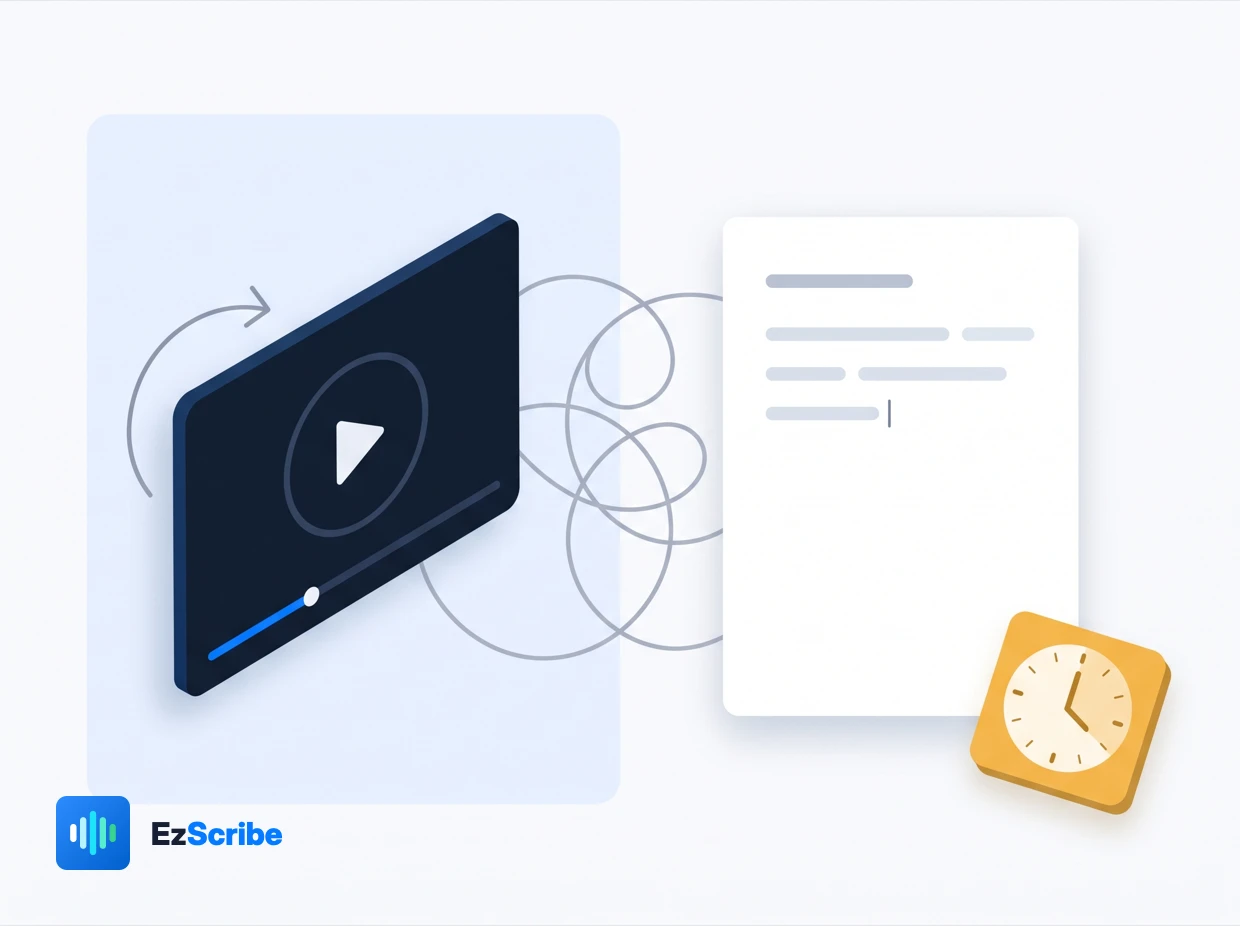
Transcribe video to text with AI: paste a supported video URL, review the editable transcript, then copy it or export TXT, SRT, and WebVTT subtitles.
 Accurate AI Transcription
 100+ Languages
 Saved to Your Account
 Private & Secure
Powered by Whisper
#1 in speech-to-text accuracy
Turn a supported video URL into searchable text that is easy to review, edit, reuse, and export.
Pause, rewind, type, and repeat: writing down a video by hand is slow and makes it easy to miss important wording. Let AI transcription handle the first draft while you focus on the content.
Add a public video link you have permission to process. EzScribe identifies the speech and creates a clean, editable transcript without repetitive manual work.
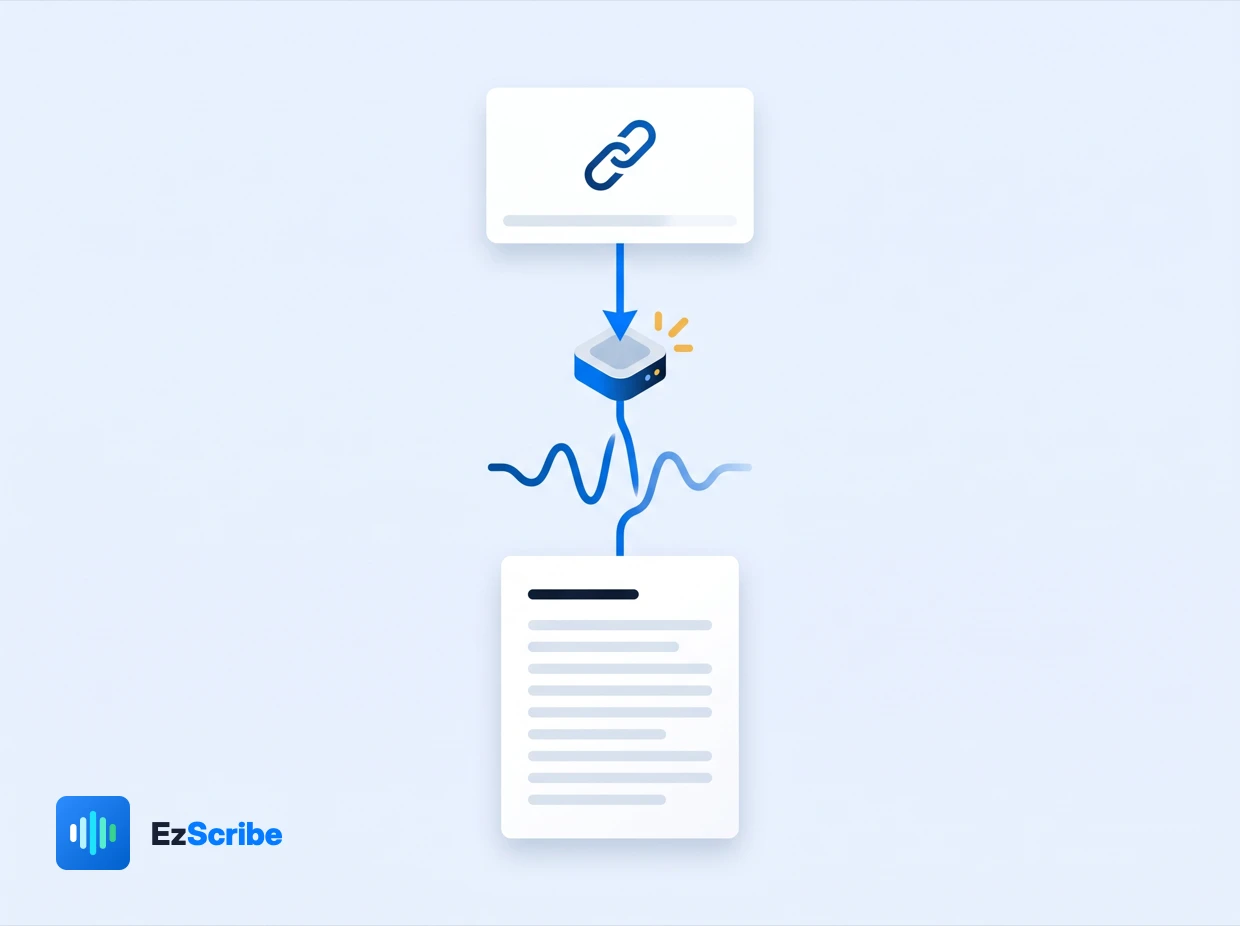
Correct names and key phrases in the transcript, copy the text directly, or download TXT, SRT and WebVTT for notes, scripts, subtitles and web players.
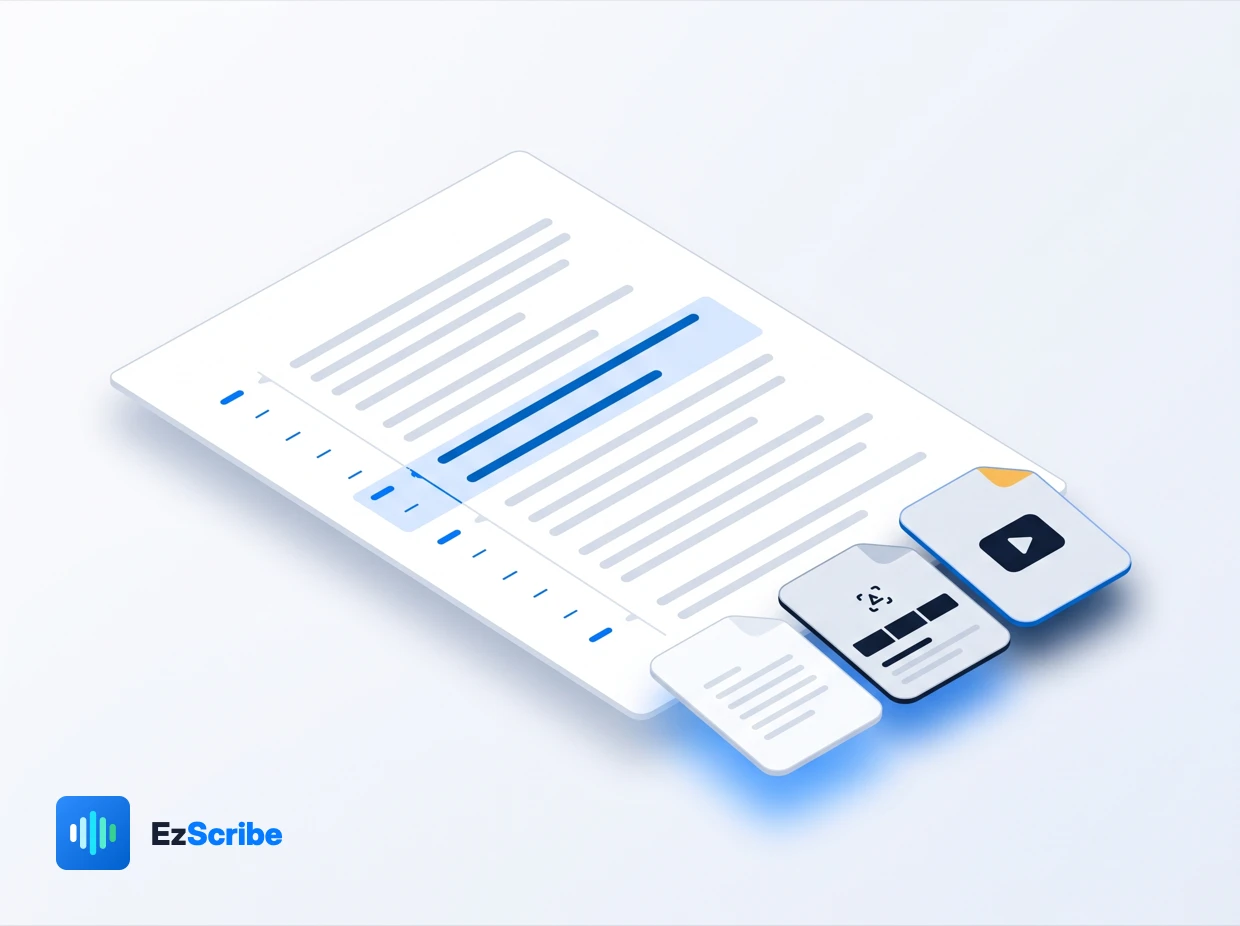
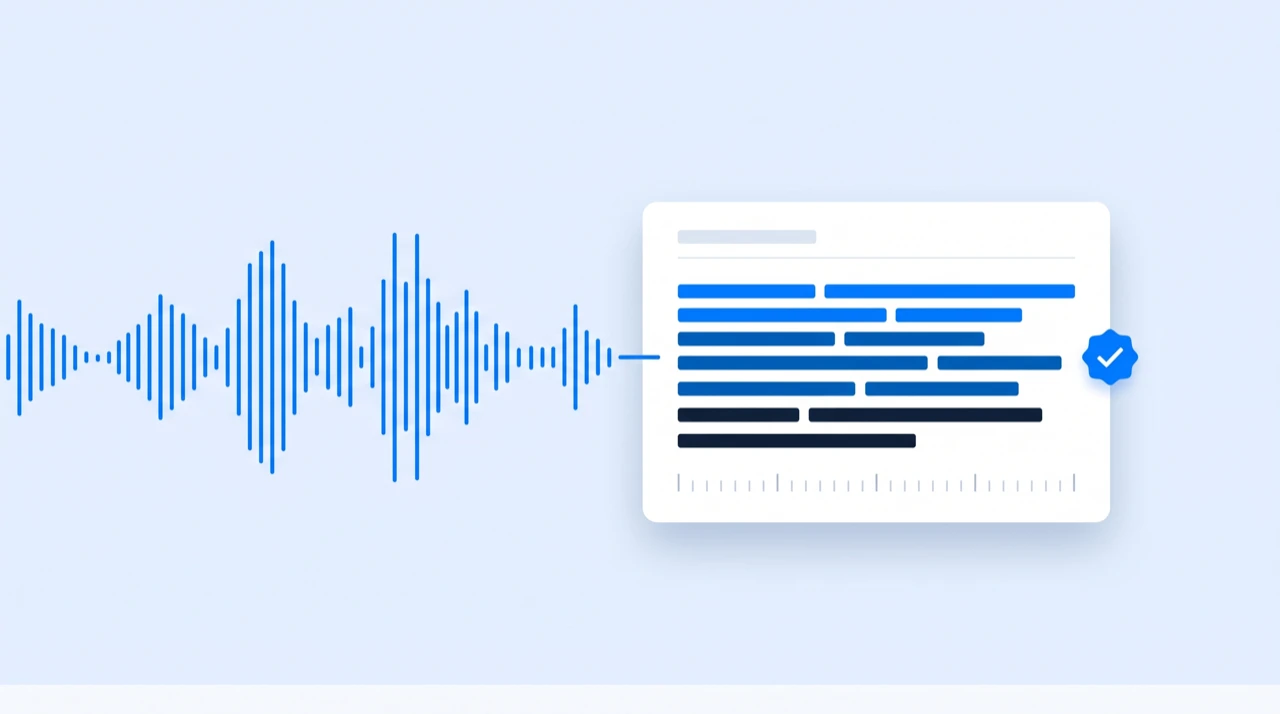
Convert spoken content into a clean, searchable video transcript without typing every sentence by hand.
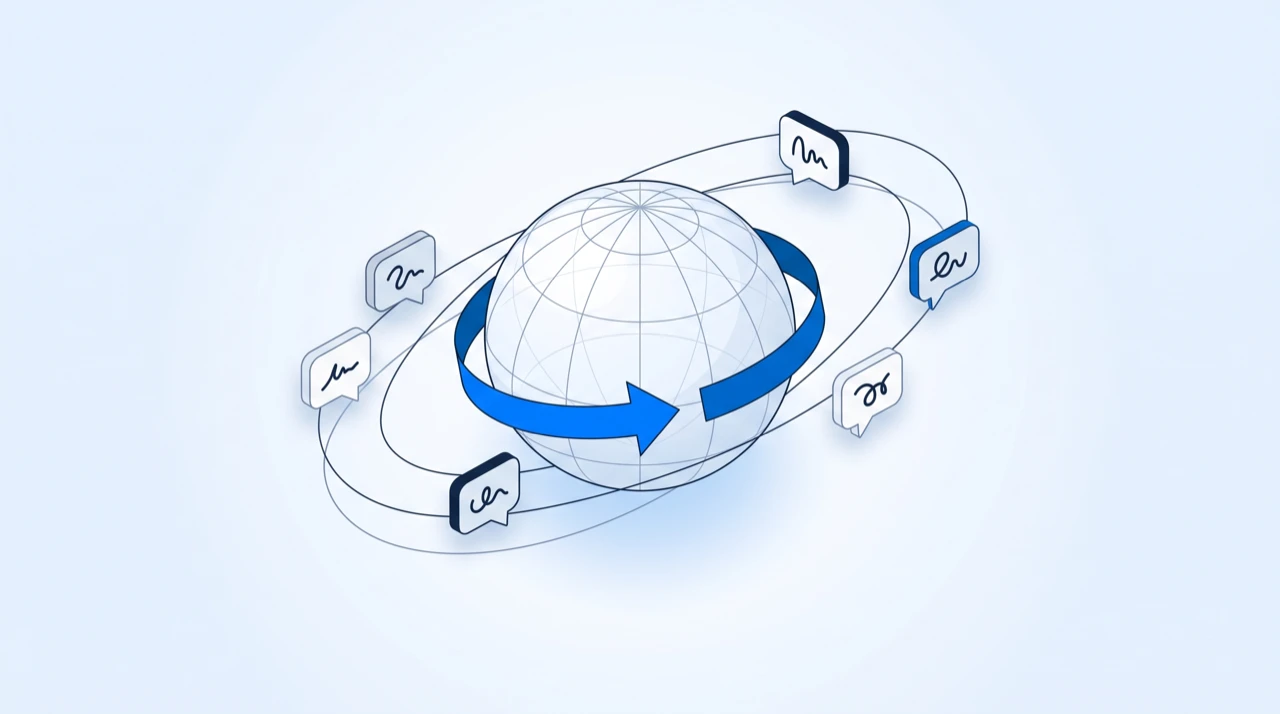
Transcribe multilingual videos and translate the finished transcript for audiences around the world.

Review the text in your browser, copy what you need, or export TXT, SRT and WebVTT files.

Paste a supported public or authorized link from YouTube, TikTok and other popular video platforms.

Follow clear transcript segments with timecodes and quickly locate important moments in the source video.

Process videos you own, can access publicly, or are authorized to use through a transparent workflow.
A clear workflow from a supported video link to editable text and subtitle files.
Paste a supported link from YouTube, TikTok, or another video platform. Only submit content you have permission to process.

EzScribe recognizes the speech and creates a clear, editable transcript that is easy to review segment by segment.
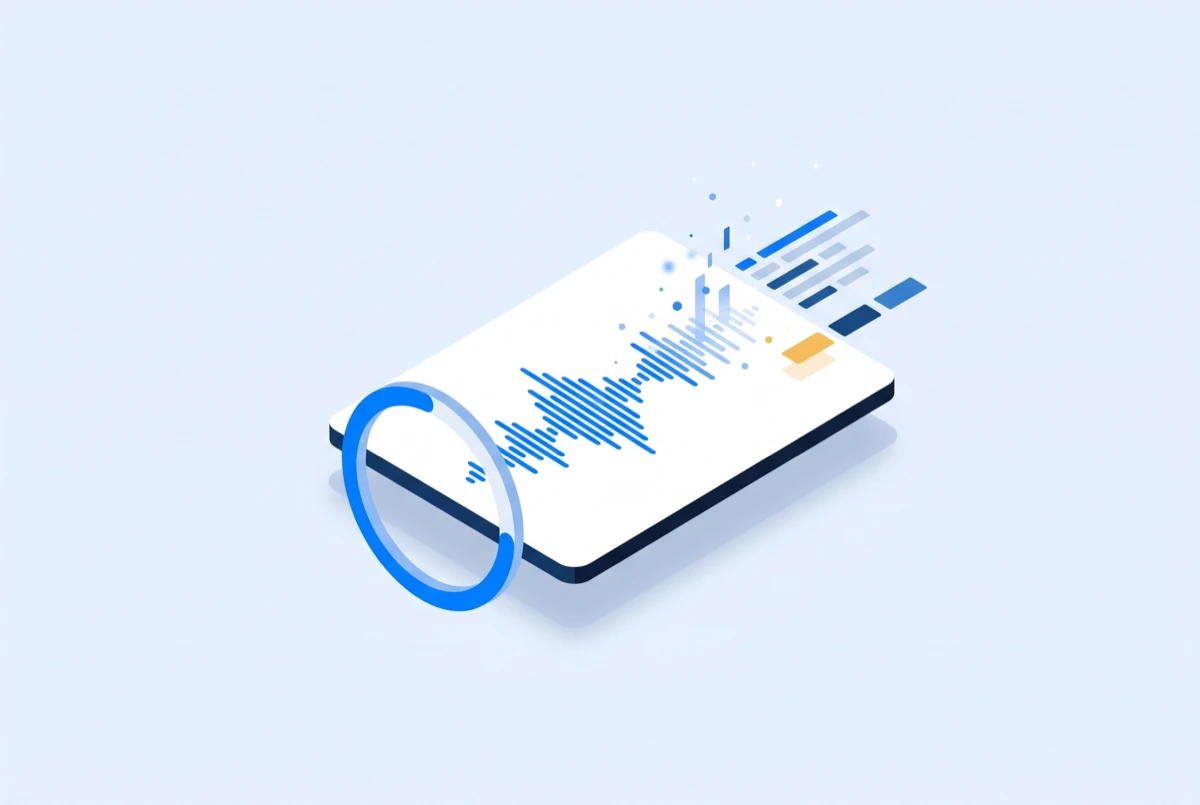
Review and copy the text, or download TXT, SRT, and WebVTT for notes, subtitles, editing, and publishing.
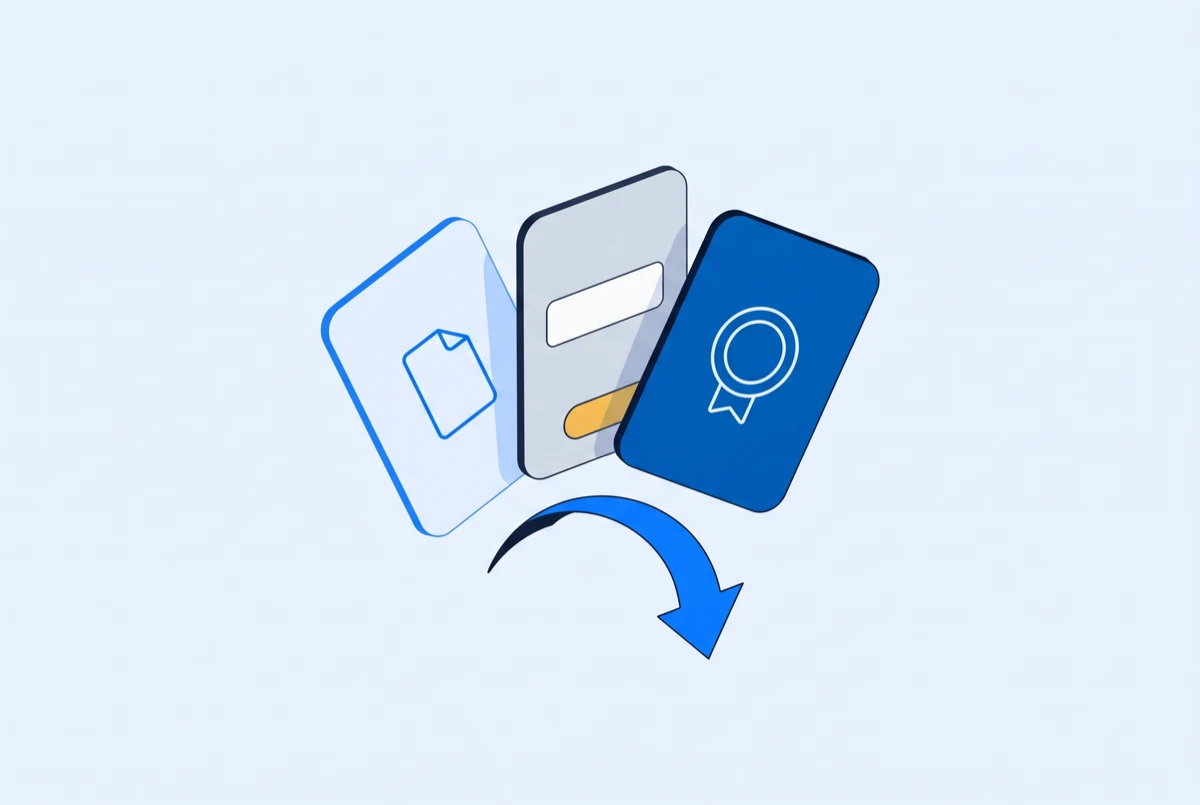
Creators and teams use EzScribe to turn spoken video into searchable transcripts, find important moments, and move from raw footage to usable content faster.
“I can see EzScribe being useful across client projects, especially for people in the creator economy. A clear transcript makes long videos easier to review and gives the editing process a much better starting point.”
“We run multiple client projects every month, and manual logging used to take an insane amount of time. EzScribe gives us a searchable first draft right away, so the team can review, refine, and organize the transcript instead of starting from zero.”
“I shoot multiple takes of every scene, and finding the right moment later used to mean scrubbing through everything. With EzScribe, I can search the transcript and jump back to the part I need in seconds.”
Pick the tool that matches your source: a link from a social platform, a file from your device, or a transcript that needs translating.
Generate an editable video transcript, then copy the text or export subtitle files when the result is ready.
EzScribe works with supported public video URLs that you own or have permission to process. Paste the link into the video transcript generator to check whether the source is accessible.
No. EzScribe transcribes the audio and returns text and subtitle files — the source video is never republished, listed, or shared. Your transcripts stay in your own account, and you can delete any of them at any time.
Yes. After you transcribe video to text, review the result and export it as plain text, SRT, or WebVTT for captions, editing, and publishing workflows.
Accuracy depends on audio quality, background noise, speaker clarity, and language. Clear speech produces the best video transcript, and important wording should always be reviewed before publishing.
Only when the source provides a supported, authorized access method. Do not submit private, restricted, or copyrighted content that you do not have permission to process.
No. EzScribe is an independent transcription tool and is not affiliated with, endorsed by, or sponsored by any video platform. Those names appear only to describe which video links each tool accepts, and all trademarks belong to their respective owners.
Yes. Choose a supported language or use automatic language detection when available. Results vary with accents, recording quality, and the language used in the video.
Yes. Creating an account is free, and any sign-up credits on your balance can be spent on real transcripts before you buy anything. Processing is charged by the video minute, rounded up, and a job that fails is never charged.
TXT is plain transcript text, SRT is a common timestamped subtitle format, and WebVTT is designed for web video players.
Check that the URL is correct, public, and accessible without a login. Deleted, region-restricted, private, or technically unavailable videos may not be supported.