88 free credits on sign-up
TikTok Transcript Generator
Paste a public TikTok URL to create an editable transcript. Copy the text or export TXT, SRT, and WebVTT subtitles.
 Accurate AI Transcription
 100+ Languages
 Saved to Your Account
 Private & Secure
Powered by Whisper
#1 in speech-to-text accuracy
How to transcribe a TikTok video
Paste a public TikTok link and read what was said. There is no download, no watermarked copy and no app to install.
Copy the TikTok share link
Tap Share on a video you own or are authorized to process and choose Copy link. Short vm.tiktok.com links and full tiktok.com/@user/video URLs both work.
Transcribe without downloading
Paste the link and start the job. EzScribe resolves the video, reads its audio and writes the speech out as timestamped segments — nothing is saved to your device.
Copy the script or export subtitles
Read it through, fix anything the audio left ambiguous, then copy the plain text or download TXT, SRT or WebVTT.
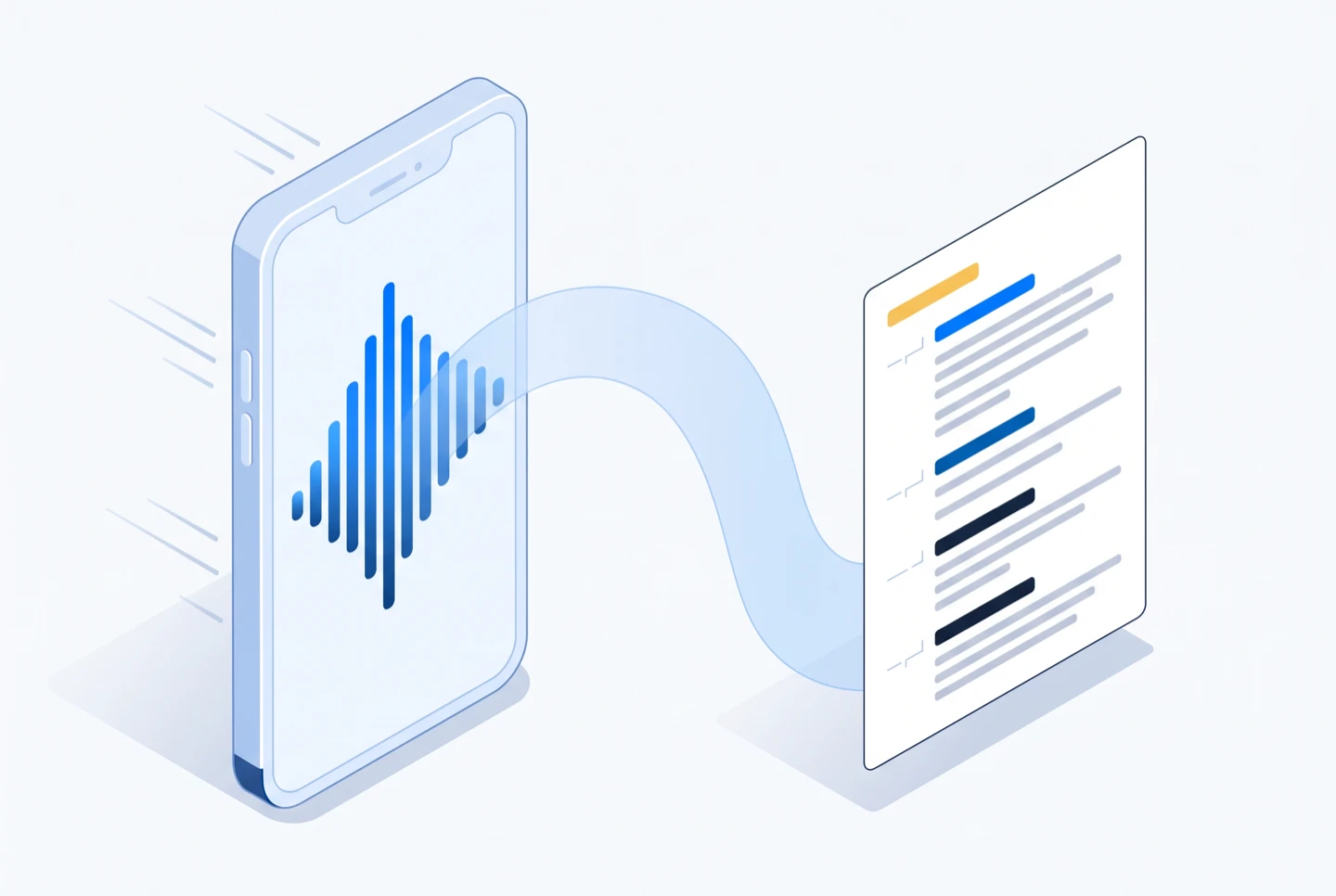
From a TikTok link to an editable transcript
EzScribe resolves the video, turns the speech into timed segments, and hands you text you can correct before exporting.
The link is resolved first
EzScribe reads the public video the link points to. You never download or upload the original file yourself.
Speech becomes timed segments
The audio is transcribed into segments, each carrying its own start and end time rather than one undivided block.
You edit before you export
Review and correct the wording in the browser, then copy the text or download TXT, SRT or WebVTT.
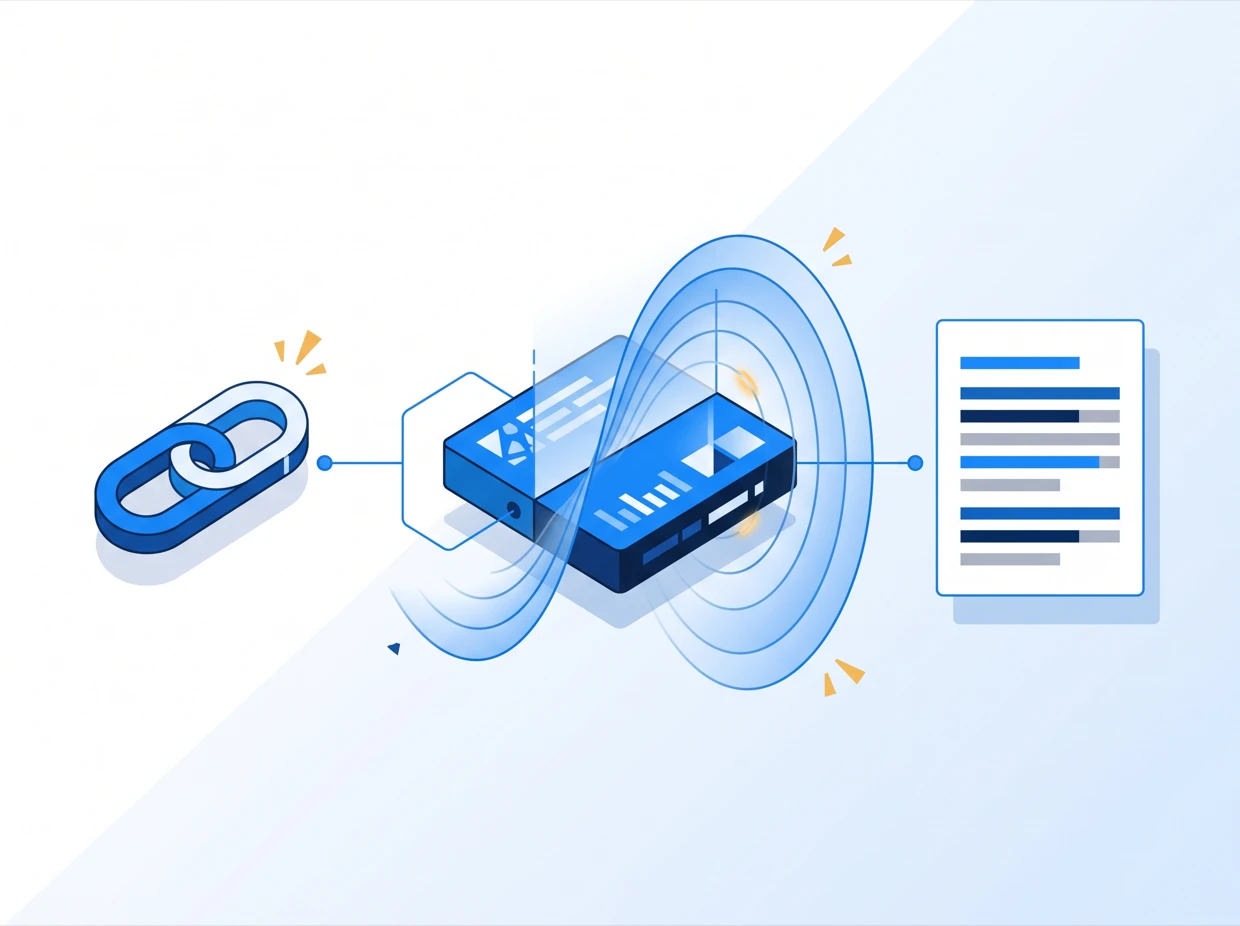
Convert TikTok video to text and subtitles
Create a clean, editable TikTok transcript from an authorized public link, then choose the format that fits your workflow.
Ways to use a TikTok video transcript
A TikTok transcript is the script of a video that already worked. Search it, caption it, quote it, or write the next one from it.
Rewrite a hook that worked
Read the opening seconds as text and see the structure behind them, instead of scrubbing the same three seconds over and over.
Caption a repost
Export SRT or WebVTT and load it in your editor when you cut the video for another platform, so the captions travel with it.
Keep a swipe file of scripts
Save the text of the videos worth studying. A folder of TXT files is searchable in a way a saved-posts tab never is.
Quote a creator accurately
Pull the exact wording, with its timestamp, from content you are authorized to process — rather than paraphrasing from memory.
More transcription and translation tools
Pick the tool that matches your source: a link from a social platform, a file from your device, or a transcript that needs translating.
Guides that go deeper
Longer write-ups on the parts of this that are worth getting right — how accurate the output really is, which file format you need, and what to do when a link will not resolve.
Generate a TikTok transcript now
Paste a public TikTok URL that you own or are authorized to process and create clean transcript or subtitle files in seconds.
Generate TikTok transcriptPublic TikTok URLs • fast processing • TXT, SRT and WebVTT exports
TikTok transcript generator questions
Answers about supported TikTok links, pasted share text, exports, translation and transcript accuracy.
Copy a public TikTok link you own or are authorized to process, paste it into the generator above, and sign in to create the transcript.
Yes. TikTok's share sheet copies a caption, emoji and a link together. The input keeps the first link it finds and drops the rest, so you can paste without cleaning it up first.
Yes. Short share links and standard tiktok.com video URLs are both accepted as long as the video is publicly accessible.
Yes. The transcript is generated from the spoken audio, so TikTok's own captions are not required and auto-captions do not need to be switched on.
Yes. Download the result as TXT for reading, SRT for video editing software, or WebVTT for web players. You can also copy the text with or without timestamps.
Fast delivery, trending slang, loud music and several people talking at once all reduce accuracy. Treat the transcript as an editable first draft and check names and product terms.
Yes. Once the transcript is ready, pick a target language to read the translation line by line against the same timestamps, then copy or export that view.
No. Private, friends-only and deleted posts cannot be accessed. Use a public link that you own or are authorized to process.