Two completely different things get reported the same way: "the transcript isn't working". One is YouTube's own Show transcript panel refusing to appear. The other is a transcription tool rejecting a link you pasted. They have nothing in common except the symptom, and the fixes do not overlap.
So the first job is to work out which one you have.
Which failure is this?
| What you see | What is actually happening |
|---|---|
| No "Show transcript" under a YouTube video | The video has no caption track YouTube will show you |
| "Show transcript" is greyed out or spins forever | A browser-side problem, not a video problem |
| A tool says the link is unsupported or invalid | The URL form is wrong, or the platform is not covered |
| A tool says it cannot read the video | The post is private, restricted, region-locked or gone |
| You get text back and it is wrong | The audio is the problem, not the link |
The first two are YouTube's problem. The rest are the ones you can actually fix.
When YouTube's own transcript panel is missing
YouTube shows a transcript only when the video already has a caption track. There are more ways for that not to exist than most people expect.
The creator disabled captions. Their choice, and it hides both their own captions and the automatic ones. Nothing you do in the browser brings it back.
Automatic captions have not been generated yet. They usually appear within a few hours of upload, but on a long video or a busy day it can take considerably longer. If the video went up an hour ago, wait.
The spoken language is not one YouTube auto-captions. Its automatic captioning covers a limited set of languages, well short of what speech recognition can actually do now. A video in a language outside that set gets nothing.
It is music, or mostly music. YouTube frequently declines to auto-caption music videos, and when it does caption them the result is [Music] repeated.
It is a live stream or a premiere. Live captions are not the same as a transcript, and the transcript often does not exist until well after the stream ends — sometimes not at all.
It is a Short. The transcript panel is not part of the Shorts player.
If the transcript exists but the panel misbehaves — greyed out, endlessly loading, missing on mobile — that is client-side. Reload, try a private window, disable extensions, or open the video on desktop web rather than the app, where the control lives in a different place under the description.
The general fix for all of these: stop asking YouTube for its transcript and generate one from the audio instead. Speech recognition does not care whether the creator enabled captions, whether the language is on YouTube's list, or whether the panel renders. Paste the link into the YouTube transcript generator and you get text from the audio itself. That is also why the result is usually better than the automatic captions would have been — how accurate is AI transcription puts numbers on the gap.
When a tool rejects the link
Here the message tells you what happened, if you know how to read it.
| Message | What it means | What to do |
|---|---|---|
| Enter a valid video URL | The text is not a URL at all | Check for a missing https://, or a stray space |
| Only http(s) video links are supported | The URL has some other scheme | Paste the web address, not an app link |
| This video platform is not supported yet | The host is not one we resolve | See the supported list below |
| Could not find the content ID in that URL | Right platform, wrong URL shape | Open the post itself and copy the address bar |
| Could not read public metadata for this video | The post exists but we cannot see it | Access problem — see below |
| The platform's API timed out | Upstream was slow | Wait a minute and retry |
| This video is about N minutes, over the limit | Duration cap | Split the recording, or trim it |
| Not enough credits | Balance too low for the length | Top up, or start with a shorter video |
Supported hosts are YouTube, Spotify, TikTok, Instagram, Facebook and X — the tools index has a page for each. Anything else, including Vimeo, Twitch, a podcast RSS feed or a link to an MP3 on your own server, is not resolvable today.
The access failures
If the link is well-formed and the platform is supported, the next question is whether the post is genuinely public. Open it in a private browsing window. This one test settles most of these cases in ten seconds, because a private window has none of your cookies — so it sees the post the way our resolver does.
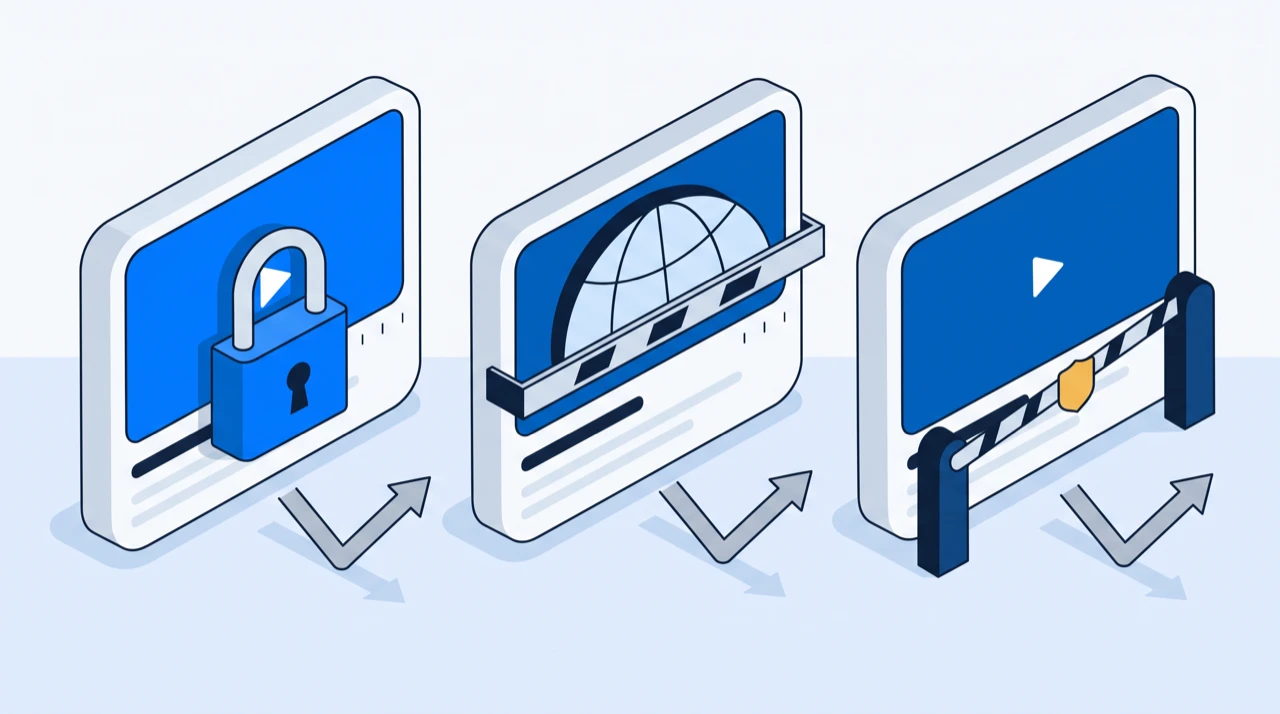
If it does not load there, it will not transcribe.
The post is private, unlisted or restricted. Unlisted usually still works, because the URL is the key. Private does not, and neither does a post limited to followers or to members of a channel.
It is behind a login or a paywall. Some Facebook posts, some X accounts with protected tweets, and anything gated by a subscription. There is no public URL for the media, so there is nothing to fetch.
It is region-locked. The post loads for you and not for a server elsewhere. Nothing about the link tells you this, which is why it is the most confusing failure of the set — it is genuinely working on your screen.
It was deleted, or the account was. Common with links from chat history or a bookmark. The URL survives long after the post does.
It is age-restricted. Age gates require a signed-in account, which a resolver does not have.
The URL failures
Right platform, wrong address. These are the ones worth memorising, because they are entirely avoidable.
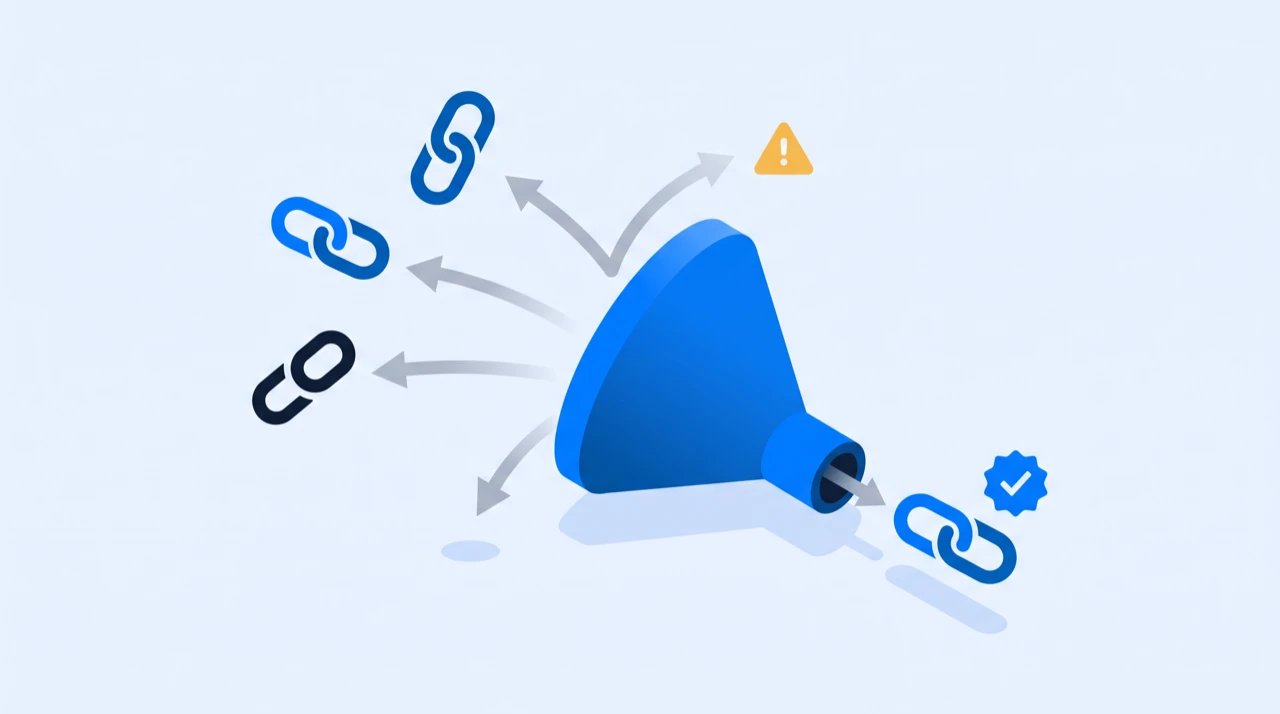
Copy from the address bar of the post itself. Not the channel, not the profile, not the playlist, not the search results page. A link to a creator's page names a person; a transcription tool needs a link that names one piece of media.
The forms that work:
- YouTube —
youtube.com/watch?v=...,youtu.be/...,/shorts/...and/live/...all resolve. A playlist URL with nov=parameter does not. - Instagram — the URL needs
/p/,/reel/,/reels/or/tv/followed by the post code. Both shapes work:instagram.com/reel/<code>and the share-sheet form with the username in front,instagram.com/<user>/reel/<code>. A profile URL on its own names no post. - X (Twitter) — needs the numeric status ID, so
/username/status/1234567890.... Bothx.comandtwitter.comwork. - TikTok — a full video URL or a
vm.tiktok.comshare link; both resolve. - Spotify —
open.spotify.com/episode/...or/show/.... A language segment from a non-English client, like/intl-de/episode/..., is fine as-is. - Facebook — a post or watch URL, or an
fb.watchshare link.
Tracking parameters — ?si=, ?utm_source=, &t=42 — are harmless. You do not need to clean them off.
When it resolves but the transcript is poor
If a transcript came back and it is wrong, the link was fine. The audio was the problem, and the model heard exactly what was there.
- Heavy background music under speech is the single biggest cause of a bad transcript.
- Several people talking over each other produces the worst output of any common case.
- Strong accents or fast, casual speech cost accuracy, especially on names.
- Phone-quality or wind-affected audio loses the high frequencies that distinguish consonants.
None of this is fixable by retrying. If a better recording of the same content exists — the original file rather than the social cut, the podcast version rather than the video — transcribe that instead. Otherwise budget for a correction pass; the errors cluster on names, numbers, acronyms and jargon rather than being spread evenly through the text.
What a failed job costs
Nothing. Credits are deducted for a transcription that succeeds, not for one that fails, and a job that stops reporting progress is cancelled and refunded rather than left to charge you.
So retrying a link is free, and testing a suspect URL is free. The thing to avoid is not the failed attempt — it is transcribing a two-hour recording before checking whether a five-minute one from the same source works.
A checklist
In this order, because each step is cheaper than the one after it:
- Open the link in a private window. Does it play? If not, stop — it is an access problem, and no tool gets past it.
- Check the URL names one post, not a profile, channel or playlist.
- Check the platform is supported. YouTube, Spotify, TikTok, Instagram, Facebook, X.
- Read the error message. The table above says which failure it is.
- Retry once. Upstream timeouts are real and usually clear on their own.
- Try a different source for the same content. The unlisted upload, the podcast version, the original file — anything with a public URL and better audio.
If you get through all six and the link still fails, the media is not publicly reachable. That is a limit of the link, not of the transcription, and no retry changes it.
Frequently asked questions
- Why is there no "Show transcript" option on a YouTube video?
- Because the video has no caption track YouTube will show you. The creator may have disabled captions, automatic captions may not have been generated yet, the spoken language may not be one YouTube auto-captions, or it may be music, a live stream or a Short — none of which reliably get a transcript panel. Generating one from the audio sidesteps all of these, because speech recognition does not depend on the creator's settings.
- Why is YouTube's transcript button greyed out or loading forever?
- That one is client-side rather than a property of the video. Reload the page, try a private window, disable extensions, and use desktop web rather than the mobile app — the control sits in a different place there, under the description.
- Why does a transcription tool say my link is invalid?
- Almost always because the URL names a profile, channel, playlist or search page rather than one piece of media. Open the post itself and copy the address bar. On Instagram the URL has to contain /p/, /reel/, /reels/ or /tv/; on X it needs the numeric /status/ ID; on YouTube it needs a v= parameter, a youtu.be code, or a /shorts/ or /live/ path.
- How do I tell whether a video is private or region-locked?
- Open the link in a private browsing window. It has none of your cookies, so it sees the post the way a server does. If it does not load there, it will not transcribe. Region locks are the exception that this test misses — the post loads for you and not for a server elsewhere, which is why it is the most confusing failure of the set.
- Am I charged for a transcription that fails?
- No. Credits are deducted for a transcription that succeeds, and a job that stops reporting progress is cancelled and refunded rather than left to charge you. Retrying a link and testing a suspect URL are both free.
- The transcript came back but it is full of errors. What went wrong?
- Nothing with the link — the audio was the problem. Background music under speech, several people talking at once, strong accents and phone-quality recording all cost accuracy, and retrying will produce the same result. If a cleaner recording of the same content exists, transcribe that. Otherwise plan a correction pass: the errors cluster on names, numbers, acronyms and jargon rather than being spread evenly.
Try it on a video of your own
Reading about it only gets you so far. Paste a link you are authorized to transcribe and look at the actual transcript — the words, the timings, and whatever the audio was going to trip on.
88 free credits when you sign up. Credits are pay-as-you-go with no subscription, and a job that fails is not charged.