Free credits on sign-up
Create an account and the first transcripts are on us. After that it is pay-as-you-go — no subscription, and a job that fails is never charged.
Every Reel is a script someone wrote. Paste the link and read it — the hook, the beats, the call to action — instead of rewatching it six times with a notebook.
Paste a link and we will fetch the audio
Try:
YouTube, TikTok, Instagram, Facebook, X and Spotify links
Only submit video you own, can access publicly, or are authorized to process. EzScribe does not redistribute source media.
 Accurate AI Transcription
 100+ Languages
 Saved to Your Account
 Private & Secure
Powered by Whisper
#1 in speech-to-text accuracy
From the share sheet to the page in one step.
Use Share, then Copy link. Works from the app or the web.
The audio is fetched and transcribed — captions on the Reel are not required.
Take the script as text, or export SRT and WebVTT if you are subtitling your own.
Four ways a transcript beats rewatching a Reel with a notebook open.
Convert a Reel to text and you see the hook in line one, the pacing of the pitch, the exact call to action — patterns you can adapt for your own content instead of vaguely imitating a vibe. Paste, read, save it to your swipe file: ten Reels analysed in the time it takes to rewatch one.
It also rescues your own words. Dictated a great take in a Reel you never scripted? Transcribe it and reuse the copy in captions, carousels, emails and blog posts.
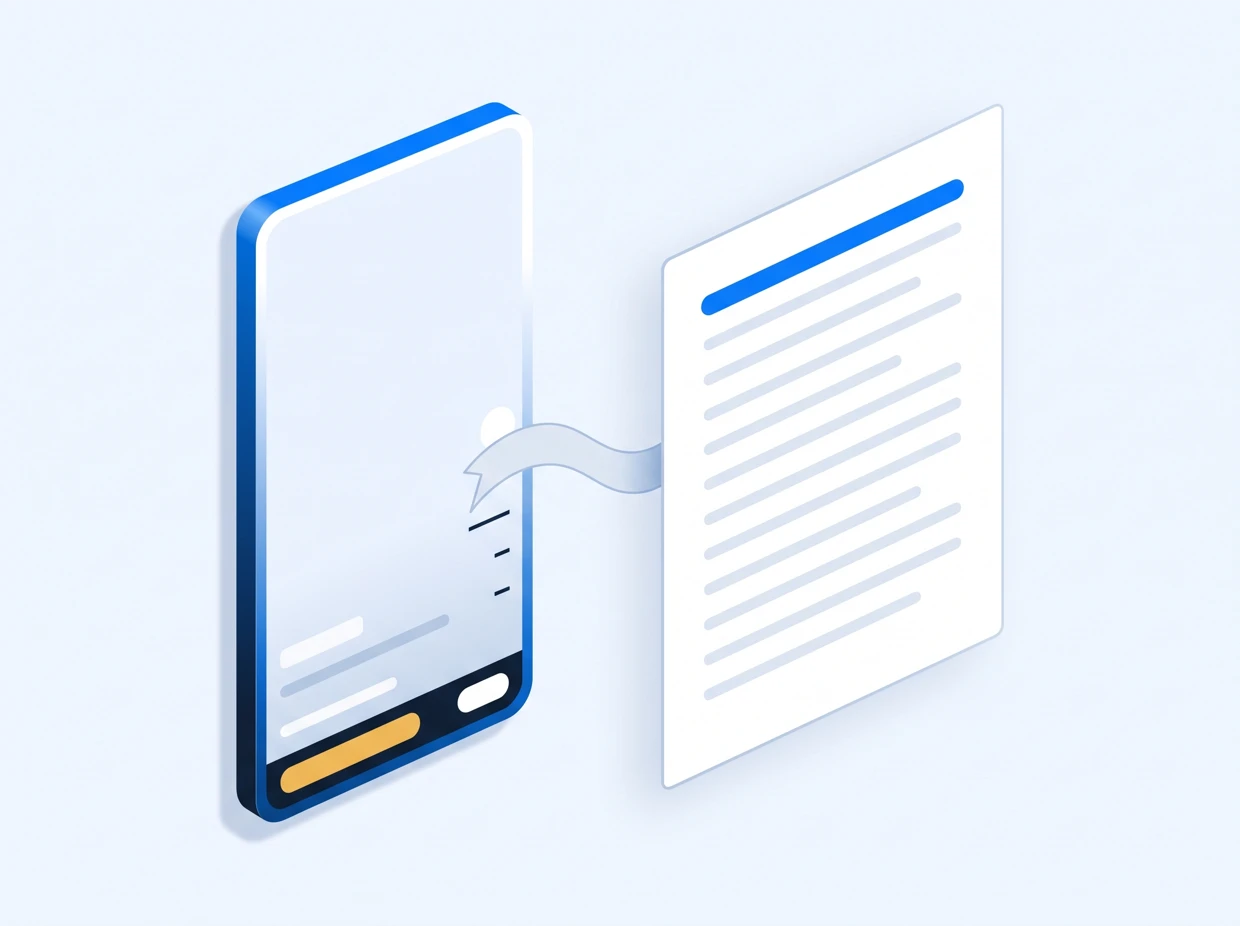
The Reels to text converter takes public links from both apps, in whichever shape the share sheet handed you.
It reads the audio, never the picture. Text stickers, overlays and captions burned into the frame are not transcribed, so a Reel that makes its point entirely on screen comes back nearly empty. Silent or music-only Reels produce nothing.
Only public Reels can be fetched — a private account or a login wall stops it. Captions on the Reel make no difference either way, because the audio track is the source rather than anything the platform generated.
Regular Instagram video posts work in the same box, and the Instagram transcript generator covers the other surfaces. Facebook Reels paste in here too — same format, different platform. Cross-posting from TikTok? Use TikTok to text: same engine, same speed.
Read the ones that worked. The structure is much easier to see on the page than on the screen.
Get the Reel textSign in to start. New accounts get free credits.
Answered for the way creators actually use this.
Copy the Reel link with Share, then Copy link, and paste it here. The spoken audio is transcribed and the script appears beside the video.
Yes. The audio is transcribed directly, so whether the creator added captions makes no difference.
Yes. Both Instagram and Facebook Reel links are supported, which is why this page is about the format rather than one platform.
No. Only publicly reachable links can be fetched. A private account or a login wall stops it.
No. Only spoken audio is transcribed. Overlaid captions, titles and stickers are not read.
Yes. Export SRT or WebVTT and import it into your editor, or use it as the basis for burned-in captions.
No. Nothing is posted, liked or sent. Use the text responsibly — study structure, do not republish someone else script as your own.
That page covers Instagram as a platform — feed videos, IGTV and Reels — and the mechanics of each surface. This page is about the Reel as a format, on Instagram and Facebook both, and is written around the creator workflow: hooks, structure and rewriting.